


Key Takeaways for Free Data Analysis Tools

Free analytics software has matured to the point where businesses of every size can explore data, build workflows, and generate insights without an enterprise budget. Whether you rely on open-source engines or proprietary free tiers, the gap between paid and unpaid capabilities has narrowed dramatically over the past few years.
Benefits of Open Source Solutions
Open-source platforms give you full control over your environment. You can inspect the code, extend functionality, and connect various data sources without vendor lock-in. Communities around tools like KNIME, Apache Spark, and the Python ecosystem continue to grow, meaning support and updates often arrive faster than many paid alternatives.
- Complete code transparency and auditability
- Freedom to modify and redistribute at any scale
- No licensing fees, even as usage grows
- Large contributor communities driving continuous improvement
- Compatible with most cloud and on-premise infrastructure
Value of Proprietary Free Tiers
Commercial tools often offer free tiers that cover most small and mid-sized use cases. Microsoft Power BI Desktop, Tableau Public, and Looker Studio each provide substantial capability at no cost. The trade-off is usually storage caps, user limits, or restricted sharing options rather than missing core analytical functions.
Critical Insights for Cost Effective Analytics
Before committing to any stack, map your actual requirements carefully. A startup analyzing web traffic has different needs than a research team running statistical analysis on large data sets. Matching the tool to the task prevents wasted setup time and avoids hitting free-tier limits unexpectedly. This planning step alone saves weeks of rework.
Definition and Scope of Free Data Analysis Software

Free analytics software includes any tool that lets you collect, clean, and transform raw data into actionable insights at zero upfront cost. The category spans desktop applications, browser-based platforms, programming languages, and cloud services.
Data analysis tools are software products that help teams move from raw information to structured findings. Some handle the entire lifecycle; others specialize in one stage.
Role of Software in Modern Data Lifecycle
Every stage of modern analytics — from data ingestion through to visualization — can be served by a free platform. The lifecycle typically moves through these phases:
- Collection and ingestion from multiple data sources
- Cleaning and preparation of raw data
- Transformation and data modeling
- Statistical analysis and predictive analytics
- Visualization and sharing of findings
Understanding where each tool fits in this chain helps you build a coherent stack rather than duplicating functions.
Impact of Artificial Intelligence on Analytic Tools
AI capabilities are now embedded in free platforms. ChatGPT enables natural language queries against structured content, while tools like RapidMiner offer machine learning pipelines without needing to code from scratch. This shift means teams with limited technical depth can run advanced analytics tasks that once required specialist staff.
The line between analyst and developer is blurring. A business user who could not write Python two years ago can now prompt a model to generate and explain code, dramatically compressing the learning curve.
Differences Between Local and Cloud Based Platforms
Local tools run on your machine, keeping data stored in databases you control directly. Cloud platforms process data remotely, which improves collaboration but introduces privacy considerations worth evaluating carefully. Neither approach is universally better — teams working with sensitive business data often prefer local solutions, while distributed teams benefit from shared cloud dashboards.
Top Free Data Analytics Software and Services
The following platforms cover a wide range of use cases. No single option is the best tool for every situation, so assess each against your actual workflows and team capabilities.
Microsoft Power BI Desktop for Local Analysis
Power BI Desktop is a strong choice for Windows users who want to analyze data locally and build polished reports. It connects to hundreds of data sources, supports formula-based calculations, and lets you perform data modeling without writing SQL. The desktop version is fully free with no row limits.
- Advantages: Seamless Windows integration, massive connector library, powerful DAX expressions.
- Link: https://powerbi.microsoft.com/desktop/
Tableau Public for Open Data Visualization
Tableau Public is designed for open data projects. Visualizations are published publicly, making it less suitable for confidential projects but excellent for portfolio building and exploring publicly available data sets. It is widely recognized by hiring managers.
- Advantages: Industry-leading visualization aesthetics, massive community gallery, high employability factor.
- Link: https://public.tableau.com/
KNIME Analytics Platform for Low Code Workflows
KNIME allows analysts to build pipelines visually through a node-based interface. You can join data, apply machine learning models, and automate outputs without deep programming knowledge. It is one of the most capable free options for teams that prefer low-code approaches.
- Advantages: No-code visual interface, extensive plugin ecosystem, open-source core.
- Link: https://www.knime.com/
Python Ecosystem for Statistical Computing
The Python ecosystem — including pandas, NumPy, matplotlib, and scikit-learn — covers everything from basic data wrangling to complex predictive analytics. It is the dominant choice for professional data work and integrates cleanly with nearly every modern platform.
- Advantages: Ultimate flexibility, vast library support, essential for AI and ML.
- Link: https://www.python.org/
R Language for Academic and Professional Research
R remains the language of choice in academic settings and fields where rigorous statistical analysis is non-negotiable. Packages like ggplot2 make it compelling for anyone who needs to present data with publication-quality precision and reproducibility.
- Advantages: Superior statistical packages, publication-ready graphics, active academic community.
- Link: https://www.r-project.org/
Apache Spark for Distributed Data Processing
Apache Spark is a unified analytics engine built for processing large volumes across computing clusters. It is used when the scale of data exceeds what a single machine handles efficiently. Spark supports Python, Scala, and SQL interfaces, making it flexible for diverse teams.
- Advantages: Lightning-fast big data processing, supports streaming data, multi-language support.
- Link: https://spark.apache.org/
Google Analytics 4 for Web Behavior Insights
GA4 captures real-time data on user behavior across websites and apps. For marketers, it provides real-time analytics on acquisition, engagement, and conversion without any platform cost, and it connects natively to other Google services.
- Advantages: Native Google ecosystem integration, advanced predictive metrics, cross-platform tracking.
- Link: https://analytics.google.com/
Looker Studio for Automated Business Reporting
Looker Studio connects to various data sources including Google Ads, Google Sheets, and BigQuery. It automates business reporting and makes it straightforward to share live dashboards. For teams already in the Google ecosystem, it is a natural starting point.
- Advantages: Easy sharing via links, free cloud hosting for reports, simple drag-and-drop.
- Link: https://lookerstudio.google.com/
SQL Engines including PostgreSQL and MySQL
SQL remains foundational across the field of data analytics. PostgreSQL and MySQL are free, open-source data platforms that store and query structured content efficiently. Learning SQL is a prerequisite for most analytics roles and one of the highest-return skills you can build.
- Advantages: Industry standard for databases, high performance, massive career value.
- Link: https://www.postgresql.org/ | https://www.mysql.com/
Project Jupyter for Reproducible Data Science
Jupyter Notebooks allow analysts to combine code, narrative text, and visualizations in a single document. This format supports reproducible research and is widely used in both data science education and professional reporting workflows.
- Advantages: Interactive coding environment, great for storytelling, easy sharing.
- Link: https://jupyter.org/
RapidMiner Community Edition for Predictive Modeling
RapidMiner’s free tier offers a visual environment for building predictive analytics workflows. It suits analysts who want to experiment with machine learning concepts without writing code, and it includes a solid library of pre-built modeling components.
- Advantages: Visual machine learning builder, extensive tutorial library, strong data prep tools.
- Link: https://rapidminer.com/
FineBI Personal Edition for Visual Discovery
FineBI’s personal edition focuses on self-service visual exploration. Business users can work with data from internal systems and create charts without relying on technical staff. It is particularly popular in Asia-Pacific markets.
- Advantages: Professional enterprise-grade visuals, user-friendly interface, strong data engine.
- Link: https://www.finebi.com/en/
Apache Superset for Cloud Native Visualization
Apache Superset is an open-source analytics platform built for modern cloud environments. It connects to most SQL-based data warehouses and supports a wide range of chart types, making it a credible alternative to paid visualization tools.
- Advantages: Modern browser-based interface, connects to almost any SQL source, highly scalable.
- Link: https://superset.apache.org/
Orange Data Mining for Interactive Learning
Orange is a visual tool aimed at education and exploratory analysis. Its drag-and-drop interface makes it accessible to beginners who want to learn data mining concepts interactively without committing to a programming language upfront.
- Advantages: Visual programming widgets, excellent for educational purposes, built-in data sets.
- Link: https://orangedatamining.com/
Google Sheets for Cloud Based Data Management
Google Sheets handles modest data sets effectively and integrates natively with other Google services. For teams that need to collaborate on simple business data without a formal data warehouse, it remains a practical and widely understood starting point.
- Advantages: Real-time collaboration, zero installation, extensive add-on marketplace.
- Link: https://www.google.com/sheets/about/
Microsoft Excel Online for Essential Spreadsheets
Excel Online provides core spreadsheet features in the browser at no cost. It suits teams that need to present data in familiar formats and share reports without purchasing full Office licenses, and it supports many standard analysis functions.
- Advantages: Familiar interface, robust pivot tables, seamless cloud access.
- Link: https://www.microsoft.com/excel
Cyfe for All In One Business Dashboards
Cyfe aggregates metrics from marketing, sales, and finance into unified dashboards. Its free plan covers a limited number of widgets but provides a useful consolidated view of business performance for small teams.
- Advantages: All-in-one business monitoring, easy widget configuration, historical data tracking.
- Link: https://www.cyfe.com/
ChatGPT for Natural Language Data Interaction
ChatGPT can interpret, summarize, and help transform raw data into actionable insights via plain language. While not a dedicated analytics tool, it significantly lowers the barrier for teams wanting advanced interaction with complex data without deep technical backgrounds.
- Advantages: Conversational data exploration, code generation assistance, quick summaries.
- Link: https://chat.openai.com/
dbt Core for Modular Data Transformation
dbt Core is an open-source tool that enables teams to transform data stored in databases using SQL. It promotes modular, version-controlled data modeling that scales cleanly across growing organizations and integrates with most major data warehouses.
- Advantages: SQL-based transformations, version control for data models, automated testing.
- Link: https://www.getdbt.com/
Observable for Reactive Data Visuals
Observable combines JavaScript-based notebook computing with reactive charting. It suits analysts who want to build interactive data and create visualizations that update automatically when underlying sources change, and it is free for public projects.
- Advantages: High interactivity, reactive cell updates, powerful D3.js integration.
- Link: https://observablehq.com/
Why Free Data Analysis Tools Stand Out
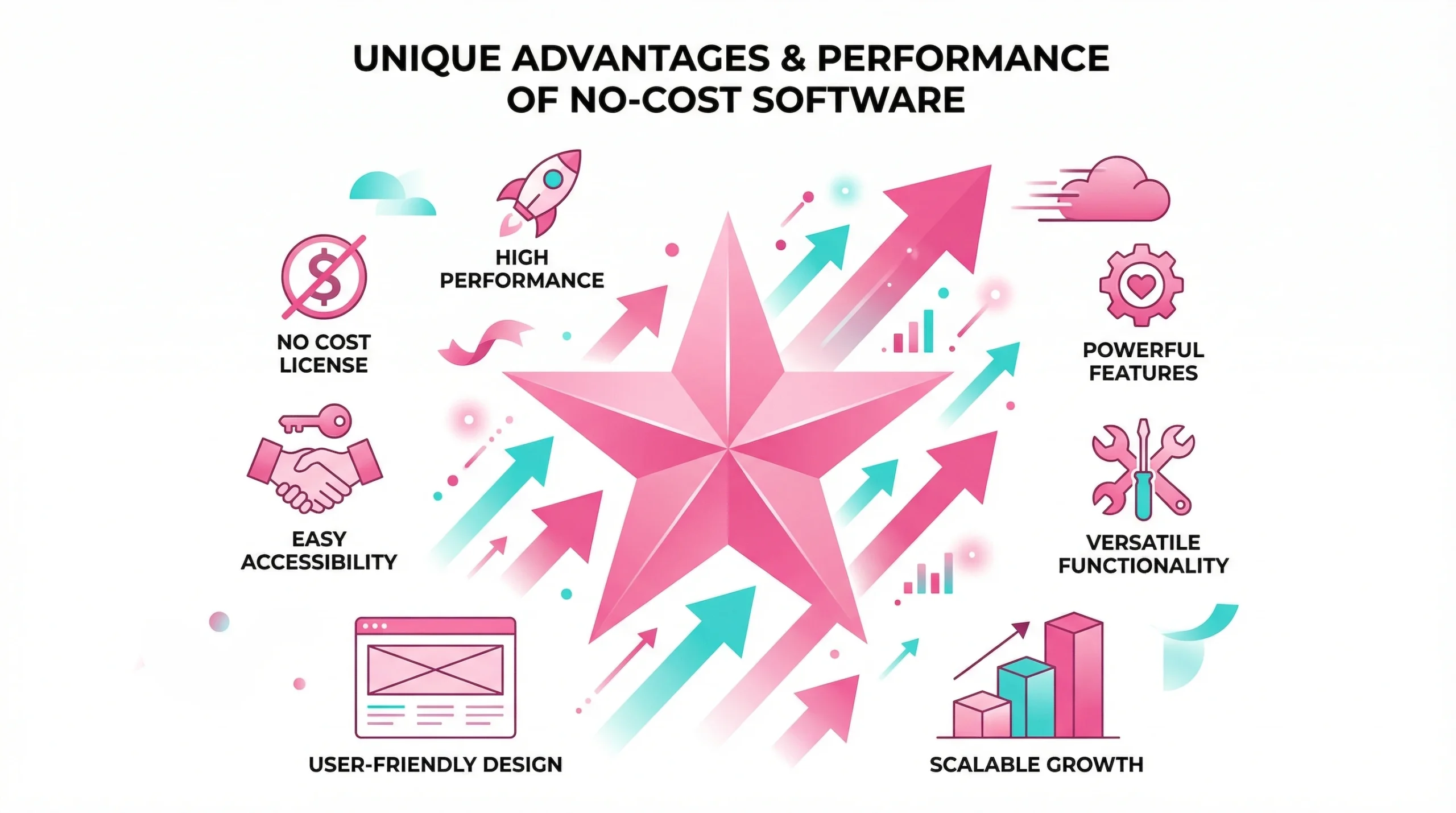
The quality of free analytics software in 2026 reflects years of community investment and growing commercial interest in freemium models. For many teams, the free tier covers everything they genuinely need on a daily basis.
Businesses that assess their requirements honestly before choosing a platform consistently report faster adoption and better outcomes than those who default to the most familiar name.
Comparison of Open Source and Proprietary Features
| Feature | Open Source | Proprietary Free Tier |
| Cost at scale | Zero | Often limited by row or user caps |
| Customization | Full code access | Restricted to vendor settings |
| Support | Community forums | Vendor documentation |
| Data privacy | Self-hosted option | Depends on vendor policy |
| Integration depth | Broad, via plugins | Curated connectors only |
| Update cadence | Community-driven | Vendor-controlled |
Best Use Cases for Small Business Growth
Small businesses benefit most from tools that reduce time-to-insight without requiring dedicated data teams. Practical applications include:
- Tracking campaign performance with GA4 and Looker Studio
- Monitoring sales trends in Google Sheets or Power BI Desktop
- Running customer segmentation with KNIME or RapidMiner
- Automating weekly reporting via dbt and a free SQL engine
- Conducting one-off statistical analysis in Python or R notebooks
Community Driven Support and Extensive Documentation
Active communities around Python, R, PostgreSQL, and Apache Spark mean that most common problems are already documented in detail. Stack Overflow, GitHub Discussions, and tool-specific forums provide faster answers than many paid support contracts. This ecosystem is one of the strongest arguments for open-source adoption.
How to Choose Right Free Data Analytics Software
Picking the right platform starts with honest self-assessment. Consider your team’s technical skills, the volume of data you work with regularly, and your reporting cadence.
The right choice today may not be the right choice in 18 months. Build with flexibility in mind wherever possible.
Analysis of User Interface and Learning Curve
Drag-and-drop tools like KNIME and Orange suit teams that want results quickly. Code-first environments offer more flexibility but require investment in learning new skills. For most businesses, a hybrid approach works well: use a visual tool for day-to-day reporting and a scripting environment for deeper, less frequent analysis tasks.
Verification of Scalability and System Integration
- Confirm the tool supports your current data sources and planned integrations
- Check record limits on free tiers before onboarding large data sets
- Verify API access if you need to automate data ingestion workflows
- Assess whether the platform connects to your existing data warehouse
- Review whether export formats match your downstream reporting needs
Review of Data Security and Privacy Standards
Before processing sensitive information, review the vendor’s terms of service carefully. Some cloud platforms store your data on shared infrastructure by default. For regulated industries, GDPR compliance standards and data residency options are essential evaluation criteria. Self-hosted open-source tools typically give you the most control here.
Challenges and Tips for Free Software Users
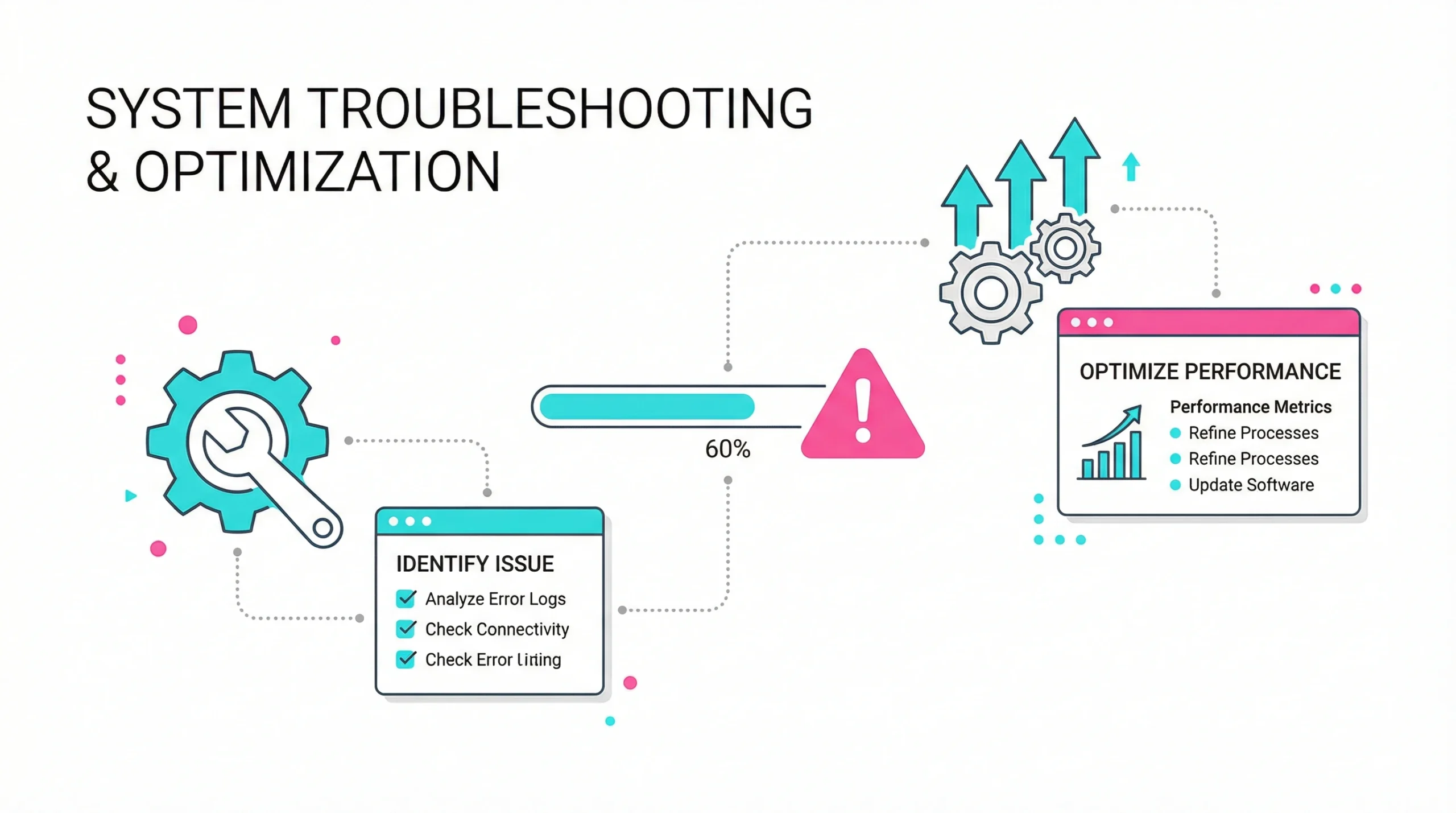
Free tools come with real constraints. Recognizing them early prevents costly migrations later and helps you set realistic expectations with stakeholders.
Solutions for Feature and Data Capacity Limits
When a tool’s free tier becomes a bottleneck, combining platforms is often the most cost-effective response. For example, use PostgreSQL to store large data sets and connect Power BI Desktop for visualization on top. This layered approach keeps costs at zero while sidestepping individual tool limits. Many teams run this kind of hybrid stack successfully for years.
Best Practices for Effective Data Cleaning
To protect the integrity of your analysis:
- Define data types and validation rules before ingestion begins
- Document every transformation step for reproducibility
- Use version control for cleaning scripts wherever possible
- Cross-reference data from multiple sources to surface anomalies early
- Build automated checks that flag missing or inconsistent values on each run
Maximizing Utility of Community Plugins and Extensions
Most open-source tools support third-party extensions that dramatically expand their native capabilities. The Python Package Index hosts thousands of libraries covering everything from time series forecasting to geospatial mapping. KNIME’s community hub and Apache Superset’s plugin ecosystem similarly extend core functionality without extra cost.
Investing time in exploring these resources often closes the perceived gap between free and paid platforms. Teams that treat community contributions as a strategic resource rather than an afterthought consistently extract more value from their tooling.
Regularly reviewing release notes and community forums also helps you stay ahead of new capabilities. According to the Stack Overflow Developer Survey, Python remains the most widely used language among data professionals — a clear signal of where community momentum lies. Many features that once required paid upgrades have migrated to free tiers as market competition increases, and this trend is expected to continue throughout 2026.
Frequently Asked Questions
Yes, building a portfolio using free tools is entirely viable and widely accepted by employers. Hiring managers in analytics roles consistently prioritize demonstrated skills over the specific platforms used during learning, and candidates who showcase projects built with Python, SQL, Power BI Desktop, or Jupyter Notebooks regularly secure analyst and engineering positions. Real-world project work, even on publicly available sets, carries significant weight in interviews and technical assessments.
For someone with no coding background, starting with a visual tool removes the initial technical barrier. Platforms like KNIME, Orange, or Power BI Desktop allow you to build workflows and charts through point-and-click interfaces, which helps develop an intuition for analytical thinking before you commit to learning a programming language. Many beginners find that starting visually makes the eventual transition to scripting noticeably less intimidating and far more logical.
Tableau Public is designed for openly shared visualizations, meaning any content you upload becomes publicly accessible by default, so it is not appropriate for confidential or sensitive information. For private business purposes, local tools like Power BI Desktop or self-hosted open-source platforms offer better control. You should always review the privacy policy of any cloud service before uploading proprietary content, and look specifically for encryption at rest and in transit as baseline requirements.
Python tends to be more practical for marketing analytics because its ecosystem includes strong libraries for API integrations, automation, and tasks like machine learning that connect naturally to advertising and attribution platforms. R has deeper statistical foundations and excels at experimental design and academic-style analysis, but for most day-to-day marketing tasks like campaign reporting or cohort analysis, Python’s broader tooling gives it a practical edge. The two languages are not mutually exclusive, and many experienced analysts use both selectively depending on the task.
The primary hidden cost is time. Setting up, configuring, and maintaining open-source platforms requires technical effort that translates into staff hours. When issues arise, resolution depends on community forums rather than a dedicated support team, which can delay business-critical work. Infrastructure expenses for advanced tools like Apache Spark also add up as volumes grow, and onboarding new team members to less familiar environments typically takes longer than with widely used commercial software.
For many small and mid-sized businesses, Looker Studio provides enough reporting depth to replace dashboards that cost thousands per year, particularly when the primary need is connecting Google ecosystem sources and automating scheduled reports. However, it lacks some governance features found in enterprise platforms, and analytics without proper row-level security can become a compliance concern for larger organizations. Teams with complex permission structures or cross-department access rules may still find meaningful capability gaps that justify a paid alternative.
OpenRefine is one of the most capable free tools specifically designed for cleaning messy or inconsistent records, offering faceted filtering, clustering algorithms, and transformation history that make structured workflows efficient. Python with pandas also provides strong automated cleaning capabilities, particularly for teams comfortable with scripting who want repeatable, version-controlled processes integrated into a broader pipeline. Combining both approaches — OpenRefine for exploratory cleaning and Python for ongoing automation — is a strategy many professional analysts rely on regularly.
No formal degree is required to become proficient with most free analytics tools. Many working analysts and professionals are self-taught, using online courses, documentation, and project-based learning to build expertise. The field rewards practical skill over credentials, and structured programs from providers like Coursera and edX offer rigorous training that employers recognize without requiring a university enrollment. Consistency in learning and a habit of applying new skills to real problems matter considerably more than formal qualifications in most hiring decisions.
Combining Looker Studio with a scheduled source refresh offers straightforward report automation at no cost, especially for teams already using Google Analytics or Google Sheets. For more custom automation, Python scripts triggered by scheduled tasks or free-tier cloud functions can pull, process, and distribute reports on a defined schedule without any ongoing subscription fees. Documenting the automation logic clearly from the start ensures that other team members can maintain and adjust the workflow as business needs evolve over time.
Several excellent resources teach SQL at no cost, including Mode Analytics’ SQL tutorial, SQLZoo, and Khan Academy’s introductory course. The most effective approach is to practice on real sets by setting up a local PostgreSQL instance, loading a public dataset, and working through progressively complex queries rather than relying solely on theoretical exercises or passive video content. Writing queries against real business scenarios, even hypothetical ones, builds the problem-solving instinct that employers specifically test for in technical interviews.