

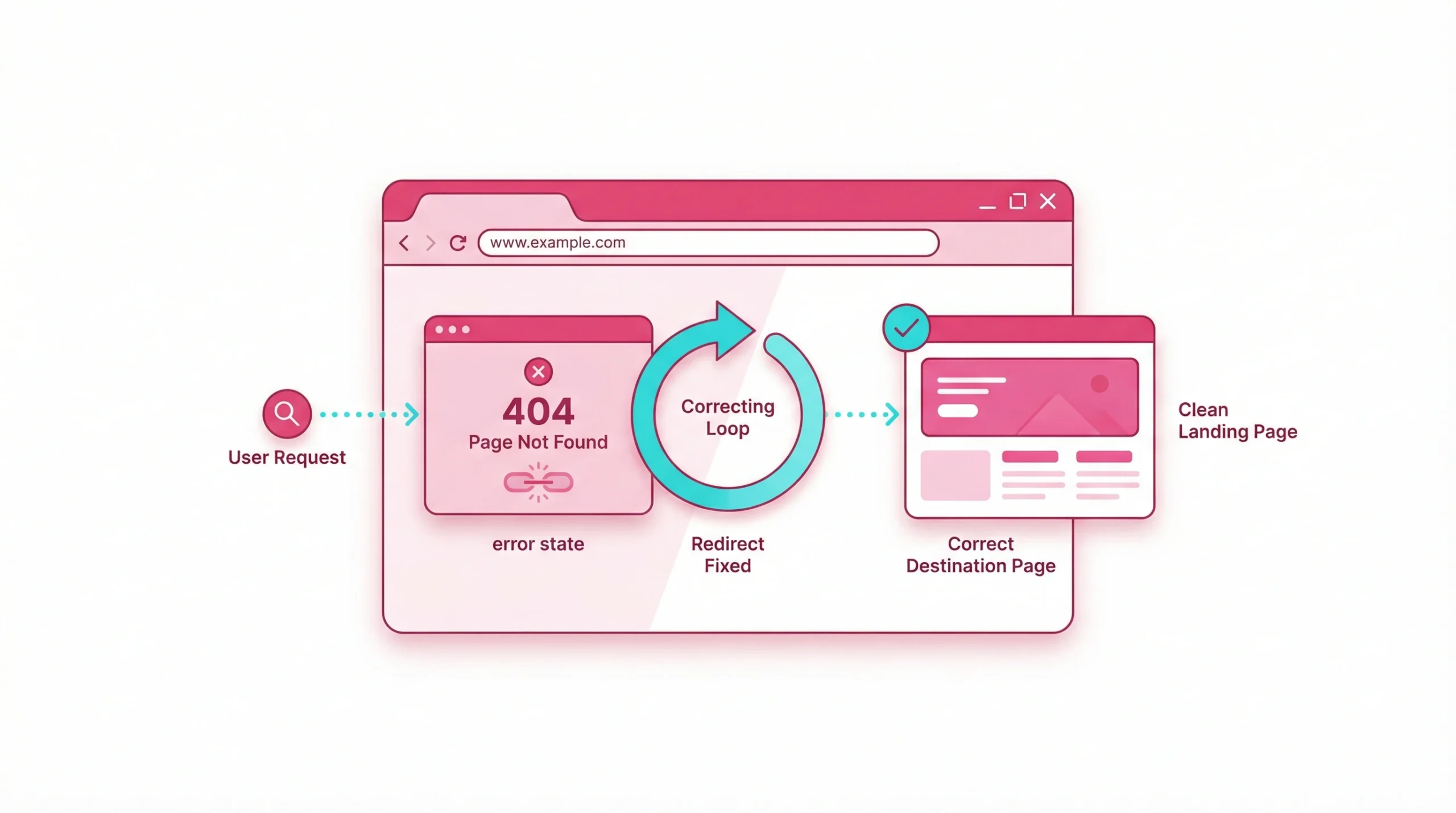
What Does Page Has Links to Redirect Problem Mean?
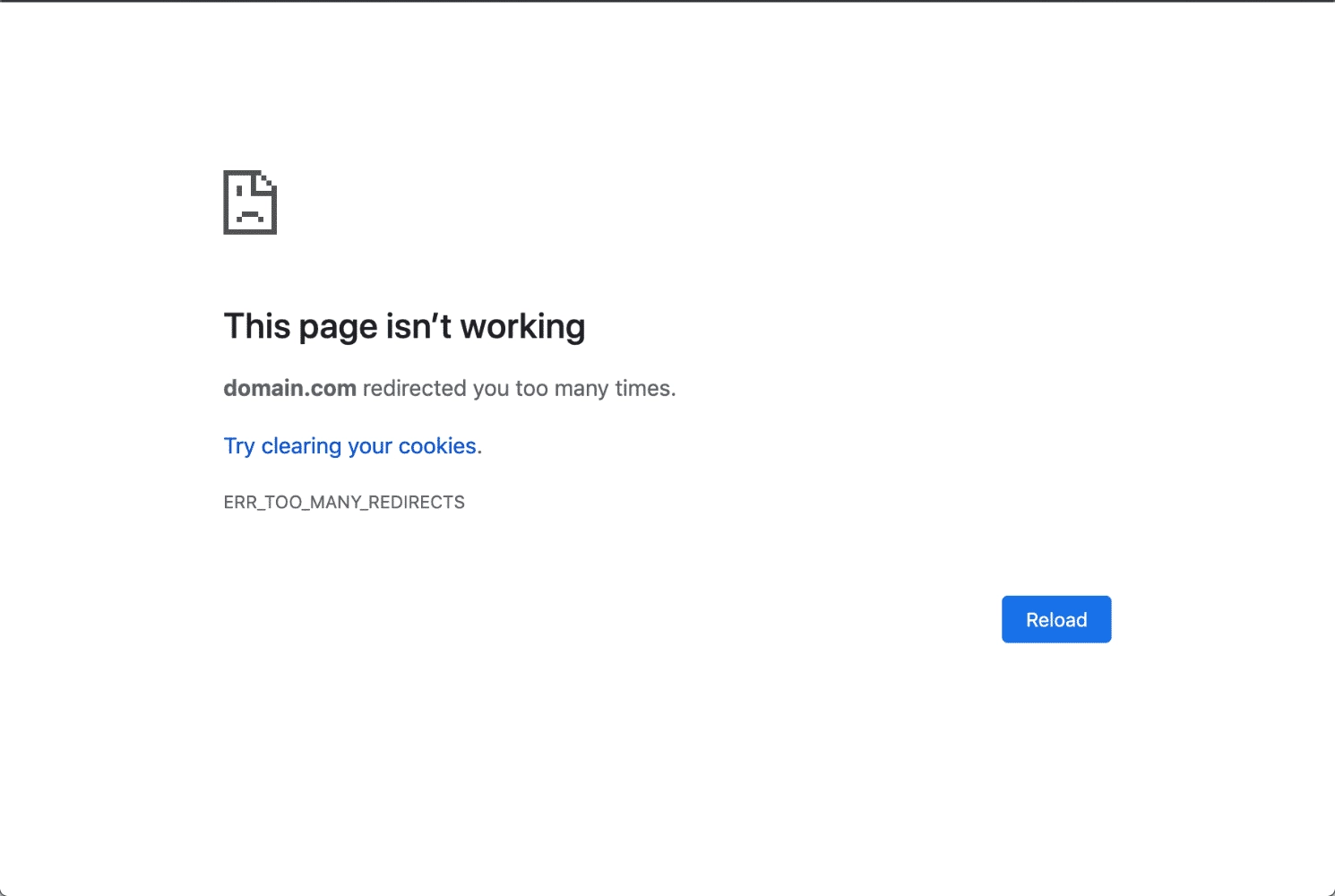
A redirect error signals that a browser cannot reach a destination page because the server keeps sending it somewhere new — or back to where it started. These issues affect both how visitors interact with your site and how search engines index your content effectively.
Definition of Redirect Errors
This error occurs when a web server instructs a browser to move from one URL to another, and that process fails to reach any usable destination. The most widely recognized version is the ERR_TOO_MANY_REDIRECTS error message, which appears in browsers like Google Chrome when the server detects a cycling pattern and stops attempting to load the webpage. Unlike a standard 404 error — where a page simply does not exist — the error means the server is actively trying to send a visitor somewhere but failing entirely to do so. This error can occur across both HTTP and HTTPS environments, often without any visible warning before it appears in the browser.
Common Types of Redirect Issues
Not all of these problems behave the same way. Understanding which type you are dealing with helps narrow the cause and choose the right fix considerably faster.
| Type | What Happens | Typical Cause |
| Redirect loop | Browser cycles endlessly between two URLs | Conflicting server rules or plugin settings |
| Redirect chain | Browser follows three or more hops to reach the destination page | URL changes accumulated without cleanup |
| Broken link | Old URL points to a destination URL that no longer exists | Page deletion without updating the rule |
| HTTP to HTTPS loop | Server toggles between secure and non-secure versions indefinitely | Misconfigured SSL or htaccess rules |
Recognizing the type early prevents you from applying the wrong solution and introducing new problems in the process.
Difference Between Redirect Chains and Many Redirects in a Loop
A chain has both a starting point and an endpoint. The original URL passes through intermediate URLs before eventually arriving at the final destination page. The browser reaches the content, but extra hops slow loading and reduce the link authority passed along the way.
A loop, by contrast, never resolves. URL A points to URL B, which points back to URL A. After detecting this cycle, browsers throw the ERR_TOO_MANY_REDIRECTS error and stop entirely. Both share similar root causes, but they require distinctly different approaches to fix correctly.
What Triggers Redirect Error and Loop Problems?
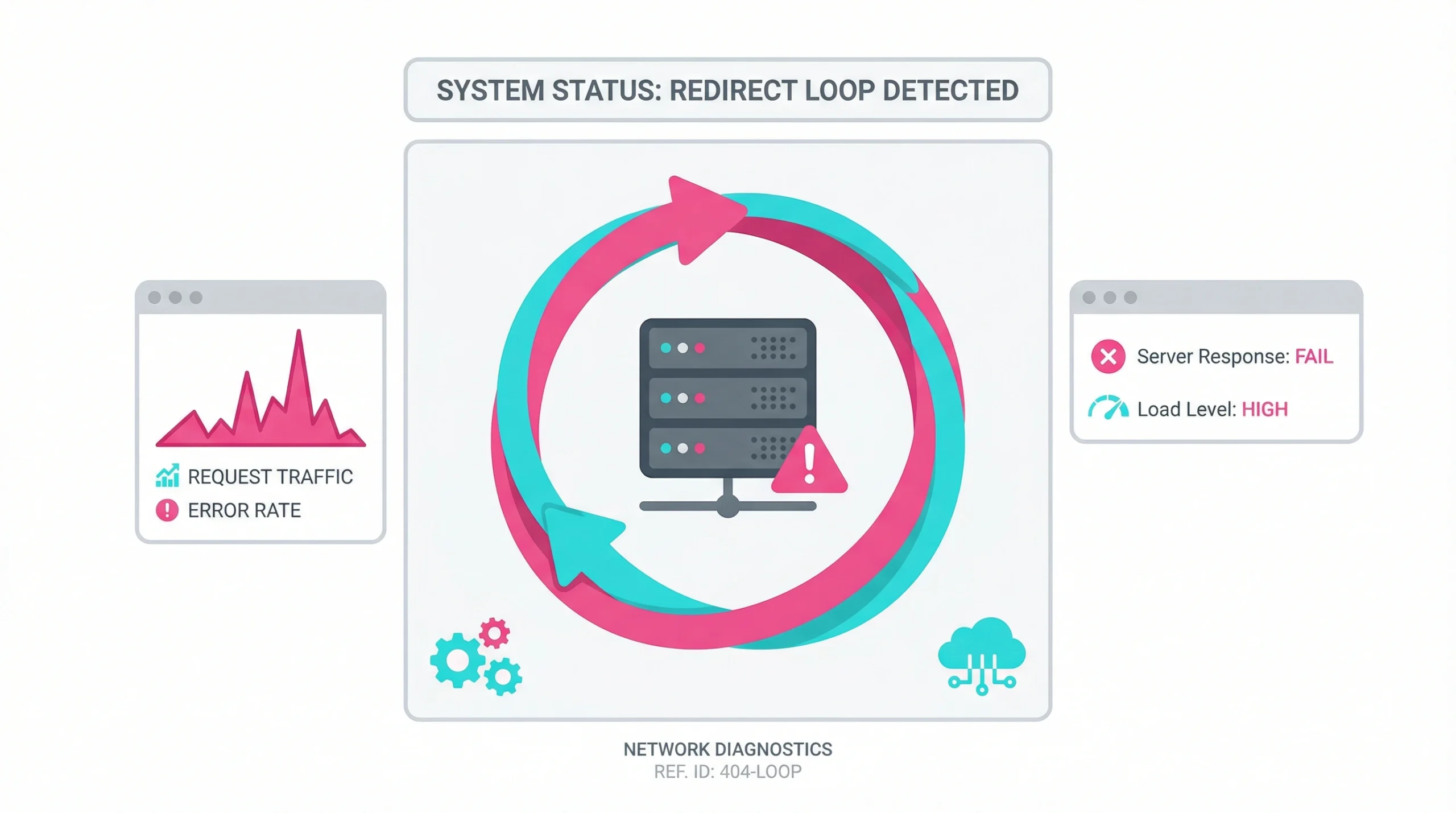
These errors are almost always traceable to a specific configuration change, update, or installation that introduced conflicting instructions at the server or application level.
Misconfigured Server Rules
Server configuration errors are the most frequent cause of redirect loops. On Apache servers, the htaccess file governs how incoming requests are routed. A rule that sends HTTP traffic to HTTPS combined with a second rule pushing HTTPS back to HTTP creates an immediate loop. Identifying what is causing the redirect loop before editing any configuration file prevents accidental overwrites and saves considerable diagnostic time. Even a minor syntax error inside this file can activate unintended behavior across an entire domain, causing the error message to appear on every page rather than just one.
Improper SSL Installation and HTTPS Settings
When SSL certificates are installed incorrectly, the web server may fail to recognize HTTPS as a valid endpoint. This causes these errors because the server keeps pushing traffic toward HTTPS while simultaneously refusing it. Common signs that SSL may be the root cause include:
- HTTPS pages trigger an error response while HTTP pages load without problems
- The domain name resolves correctly, but the destination page never loads
- The error occurs only on secure URLs, not on non-secure equivalents
- The certificate status in the hosting provider dashboard shows inactive or expired
Conflicting Third-Party Plugins or Applications
WordPress installations are particularly vulnerable to URL conflicts caused by plugins. An SEO plugin, a caching plugin, and a security plugin may each try to manage URL structure independently. When their instructions contradict each other, the web server receives conflicting guidance it cannot resolve cleanly.
These conflicts often surface after a plugin update rather than immediately after initial installation, making them harder to trace without methodical testing.
Human Error in Manual URL Updates
Site migrations generate a significant share of routing issues. When a developer sets up a redirect from an old URL to a new URL but forgets to update internal links that still point to the old URL, chains begin forming naturally over time. Each subsequent update without cleanup adds another hop. Pages that once needed a single hop end up three or four levels deep, consuming crawl budget and degrading both user experience and SEO performance simultaneously.
How to Check Redirect Issue and Identify Loop Errors?
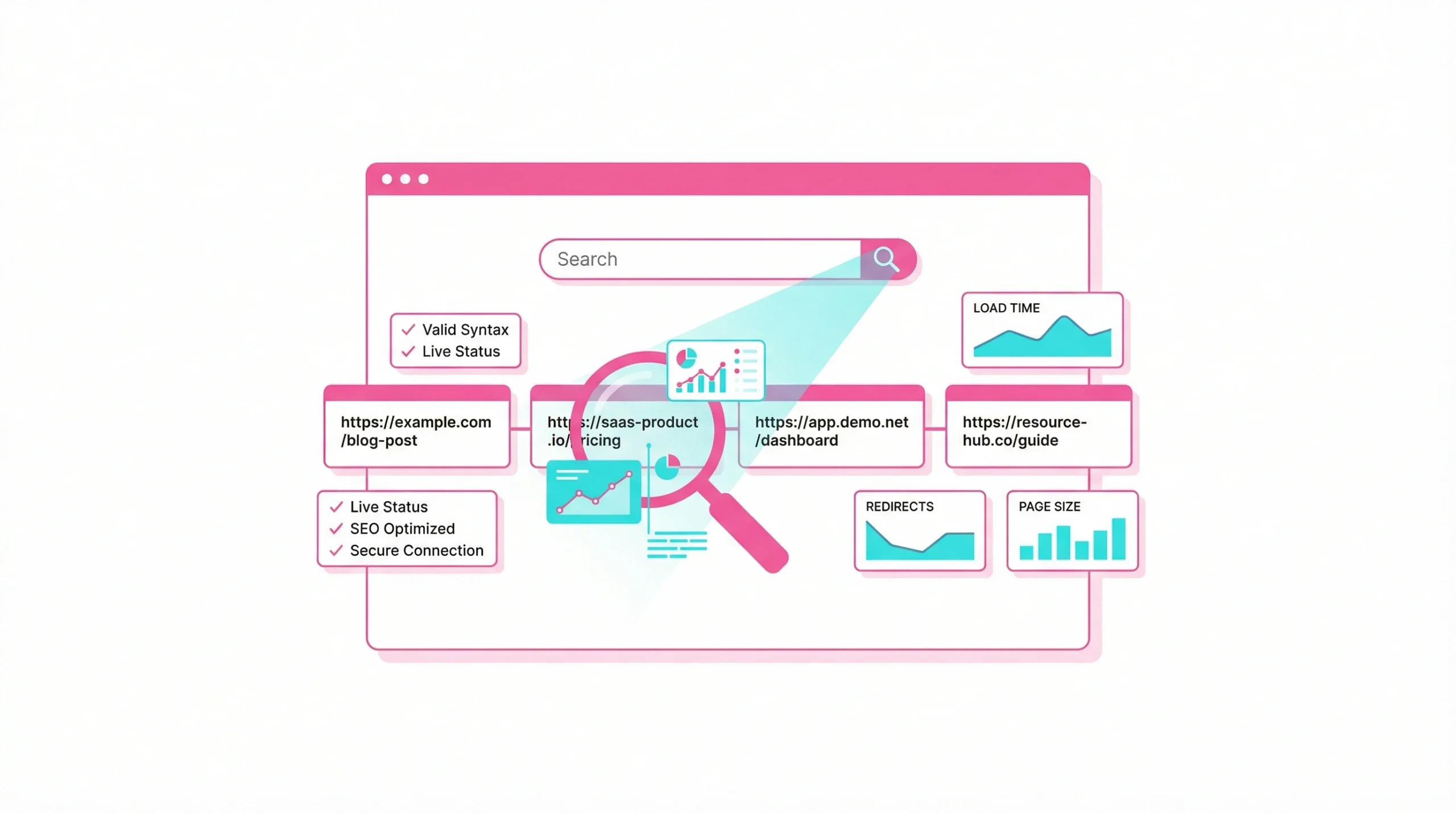
Before applying any fix, confirming exactly where the problem originates is essential. Multiple diagnostic approaches exist, and combining them produces the clearest picture.
Analyze Affected Pages in Google Search Console
Google Search Console provides direct visibility into pages that cannot be accessed due to these problems. The Page Indexing and Coverage reports flag URLs returning unexpected status codes, including those caught in loops or chains. If many pages share the same error pattern, the cause is almost certainly a global server rule rather than a page-specific issue requiring individual attention.
Use Online Redirect Checker Tools
Redirect checker tools follow the exact path a browser would take from the original URL through to the destination URL, displaying every intermediate step and its HTTP status code. This makes them highly effective for spotting both chains and loops without needing direct server access.
Useful tools for this diagnostic step include:
- Screaming Frog SEO Spider
- httpstatus.io
- Redirect Detective
- Ahrefs Site Audit
- Sitebulb Crawler
Running any affected URL through at least two of these tools helps confirm the results and reduces the risk of misidentifying the source.
Inspect Browser Network Headers
The Network tab in Google Chrome’s developer tools records every HTTP request a page makes as it loads, including all server responses for forwarded requests. Each hop appears as a separate entry with a 301, 302, or other relevant status code. This method is particularly useful when troubleshooting a single page that behaves differently from the rest of the site. It requires no third-party service and quickly reveals whether clearing your browser cache resolves a local issue or whether the problem exists at the server level.
Perform Full Website SEO Audit
A complete SEO audit scans the entire site for redirect chains, broken links, and conflicting URL patterns. It identifies pages where the original URL, interim hops, and destination URL are misaligned. Running a scheduled audit after domain migrations, CMS changes, or bulk URL updates ensures that new rules do not quietly conflict with existing ones across the site.
Why is It Important to Fix the Issue?
Unresolved routing errors create cumulative damage to how search engines crawl your site, how users experience your content, and how authority flows through your link profile over time.
Impact on Crawl Budget and Indexing
Search engine crawlers operate with a finite crawl budget allocated per site. When they encounter redirect chains or a loop, they exhaust that budget on URLs that never deliver indexable content. Important pages may then be crawled less often or removed from the index entirely. According to Google’s crawl budget documentation, server-side errors and unnecessary redirects are direct factors in reducing how efficiently Googlebot processes a site.
User Experience and Bounce Rate Concerns
A visitor who lands on a page trapped in a loop sees nothing but an error message. There is no content to engage with, no offer to evaluate, and no reason to stay. Bounce rates climb, session duration falls, and the conversion opportunity disappears entirely.
Persistent routing errors on landing pages or high-traffic product pages have a measurable impact on revenue. Fixing them is not purely a technical priority — it is a direct business concern. Strong user experience and SEO performance both depend on pages loading cleanly on the first request without unnecessary detours.
Preservation of Link Equity and Authority
Each redirect hop reduces the proportion of link equity passed from the original URL to the final destination page. A permanent redirect transfers the majority of authority, but a chain of multiple hops accumulates losses at each intermediate step. Moz’s resource on redirects and link equity confirms that while Google has improved at following chains, minimizing hops remains best practice in competitive search environments. Internal and external links pointing to chained URLs all lose value, and this adds up significantly across a large site.
How to Fix Website Redirect Problem and Resolve Loops?
Resolving these issues requires addressing the root cause directly rather than layering new rules on top of existing ones. To fix redirect loops and redirect chains effectively, each step should target the specific configuration or setting responsible. The methods below cover the most effective approaches in order of complexity.
Clear Browser, Server, and Proxy Cache to Fix the Issue
Clearing your browser cache is always the right first step. Browsers store forwarding instructions locally, and outdated or corrupted data and cookies can simulate an error that no longer exists at the server level. This is often a simple fix for issues that only appear on one device. Performing a hard refresh before clearing the cache confirms whether the error is persistent or a temporary browser glitch.
Steps to clear browsing data in Google Chrome:
- Open Settings and navigate to Privacy and Security
- Select Clear browsing data from the menu
- Enable cached images and files alongside cookies
- Choose your preferred time range and confirm the action
If the error persists after clearing your browser cache and cookies, check your server configuration for conflicting rewrite rules before making any further changes.
Replace or Update Redirecting Links Directly
Where possible, replacing old URLs directly in your content eliminates any dependency on a redirect entirely. This is especially valuable for high-traffic internal and external links where each redirect hop adds measurable latency and reduces authority transfer. For WordPress sites, a database search-and-replace operation can update every instance of the old URL across posts, pages, navigation menus, and widgets in a single step using tools such as phpMyAdmin or the Better Search Replace plugin.
Resolve Redirect Chains and Many Redirects
When chains have formed across multiple URLs, the goal is to make each redirect point directly to the final destination. This converts a multi-hop chain into a single clean redirect and immediately reduces unnecessary complexity.
Follow these steps when resolving chains:
- Map the complete redirect path for each affected URL using a checker tool
- Identify the true destination URL at the end of every chain
- Update each intermediate redirect rule to point directly to that destination
- Confirm no additional hops appear at the newly updated destination
- Retest all modified URLs after changes are saved and caches are cleared
Avoid adding new redirects on top of existing chains, as this extends the problem and adds further waste to your crawl budget.
Verify SSL Certificate and HTTPS Configuration
If redirect errors are isolated to HTTPS pages, check your SSL certificate status through the hosting provider dashboard. Confirm that the certificate covers the correct domain name and has not expired or lapsed. After verifying the certificate, check that the web server is not configured to redirect HTTPS traffic back to HTTP. This single misconfiguration is responsible for a large proportion of HTTPS-related redirect loops and is often overlooked because each individual rule appears logical in isolation.
Correct Server-Side Redirection Rules in Apache or Nginx
For Apache servers, the htaccess file at the root directory controls how redirect rules are applied site-wide. When manually checking the htaccess file for errors, look for:
- Duplicate redirect entries targeting the same URL pattern
- HTTP-to-HTTPS rules that simultaneously redirect HTTPS back to HTTP
- Wildcard patterns capturing URLs they were not intended to affect
- Conflicting RewriteRule entries with overlapping match conditions
Use FTP access or your hosting provider’s file manager to reach the htaccess file if the control panel does not provide direct editing. According to the Apache HTTP Server documentation on mod_rewrite, improper RewriteRule flag usage is among the most common causes of unintended redirect behavior on both shared and dedicated hosting environments. For Nginx, redirect rules live within the server block configuration — the logic is similar, but the syntax differs, and changes should always be tested in a staging environment before going live.
Audit Website Integrations and Themes to Fix the Issue
Plugins and active themes that interact with URL structure can introduce redirect conflicts without any obvious warning signs. After any significant WordPress core update or plugin version change, reviewing redirect behavior on key pages is a practical precaution.
A straightforward checklist for this audit:
- Temporarily disable caching plugins and retest affected URLs directly
- Activate the default WordPress theme and check whether the error still occurs
- Review HTTPS enforcement settings in all SEO plugins and confirm it appears in only one location
- Check the active theme’s functions file for hardcoded URL values pointing to old locations
- Ensure that your website uses only one mechanism to manage redirects at any given time
If disabling a specific plugin resolves the error, that plugin contains a conflicting rule that requires correction or replacement. For a broader reference on redirect strategy and URL change management, the Search Engine Journal technical guide on redirects provides frameworks used by professional SEO teams managing large-scale URL migrations.
Frequently Asked Questions
A correctly implemented 301 redirect passes the majority of link equity from the original URL to the destination page and does not inherently damage rankings on its own. However, slow-loading redirect chains, permanent redirects pointing to the wrong destination URL, or accumulating loops that prevent proper indexing can all contribute to ranking declines indirectly by affecting how efficiently crawlers process the site, how users experience page loading, and how link authority is distributed across your domain over time.
Google can technically follow up to five redirect hops in a single chain before stopping, but this does not mean five hops represents a sensible benchmark to aim for. Most SEO professionals and Google’s own published guidance recommend limiting chains to a single hop wherever technically feasible, because every additional step reduces the link equity passed to the final destination page and uses crawl budget that would be better allocated to discovering new.
Clearing cookies and browsing data can resolve redirect errors caused by outdated session values or corrupted cookie data stored locally in your browser, particularly if those stored values conflict with current server-side redirect behavior. However, when the loop originates from a misconfigured htaccess file, an SSL setting issue, or a conflicting plugin rule, clearing cookies only addresses what is held locally in the browser and will not fix the underlying server configuration that causes the error to recur for every visitor regardless of their device.
A 301 is a permanent redirect that signals to search engines the original URL has moved to a new location indefinitely, passing most link equity to the destination URL. A 302 is a temporary redirect indicating the move is short-term, meaning the original URL should remain indexed rather than be replaced. Using 302 redirects in situations that require permanent 301s can result in search engines continuing to index the old URL, failing to consolidate authority on the intended destination page, and potentially splitting ranking signals between two competing versions of the same content.
The ERR_TOO_MANY_REDIRECTS error message appears because the browser detects a repeating cycle rather than evaluating whether each individual redirect rule looks valid when viewed in isolation. Even if every rule appears correct separately, two rules that contradict each other — such as one enforcing HTTPS and a second redirecting HTTPS back to HTTP — create a loop that triggers this message. Clearing your browser cache and cookies, then testing on a different device or browser, helps determine quickly whether the problem is client-side or originates at the server configuration level.
The most efficient approach is to trace the complete redirect path using an online checker tool, which identifies exactly where in the sequence the loop or broken step originates. Once the problematic hop is identified, determine which configuration file governs that part of the URL structure — on Apache servers this is typically the htaccess file at the root or within the affected directory, while WordPress sites often have conflicts originating inside a caching or SEO plugin’s settings panel or within the active theme’s functions file.
A redirect loop prevents crawlers from ever reaching the destination page, meaning those pages cannot be indexed or re-crawled until the issue is resolved. Pages that were previously indexed may gradually disappear from search results if Google encounters persistent errors when attempting to access them across multiple crawl cycles. High-priority pages affected by redirect errors should be treated as urgent technical problems requiring immediate attention rather than low-priority maintenance tasks that can be deferred.
For most websites, a quarterly review of internal link health and redirect behavior provides sufficient coverage to catch problems before they meaningfully affect rankings or user experience. Sites that publish content frequently, undergo regular structural redesigns, or manage large URL inventories benefit from monthly checks using automated crawling tools. Scheduling recurring audits reduces the manual effort required while ensuring that new URL changes do not quietly introduce redirect chains that accumulate unnoticed between site updates.