

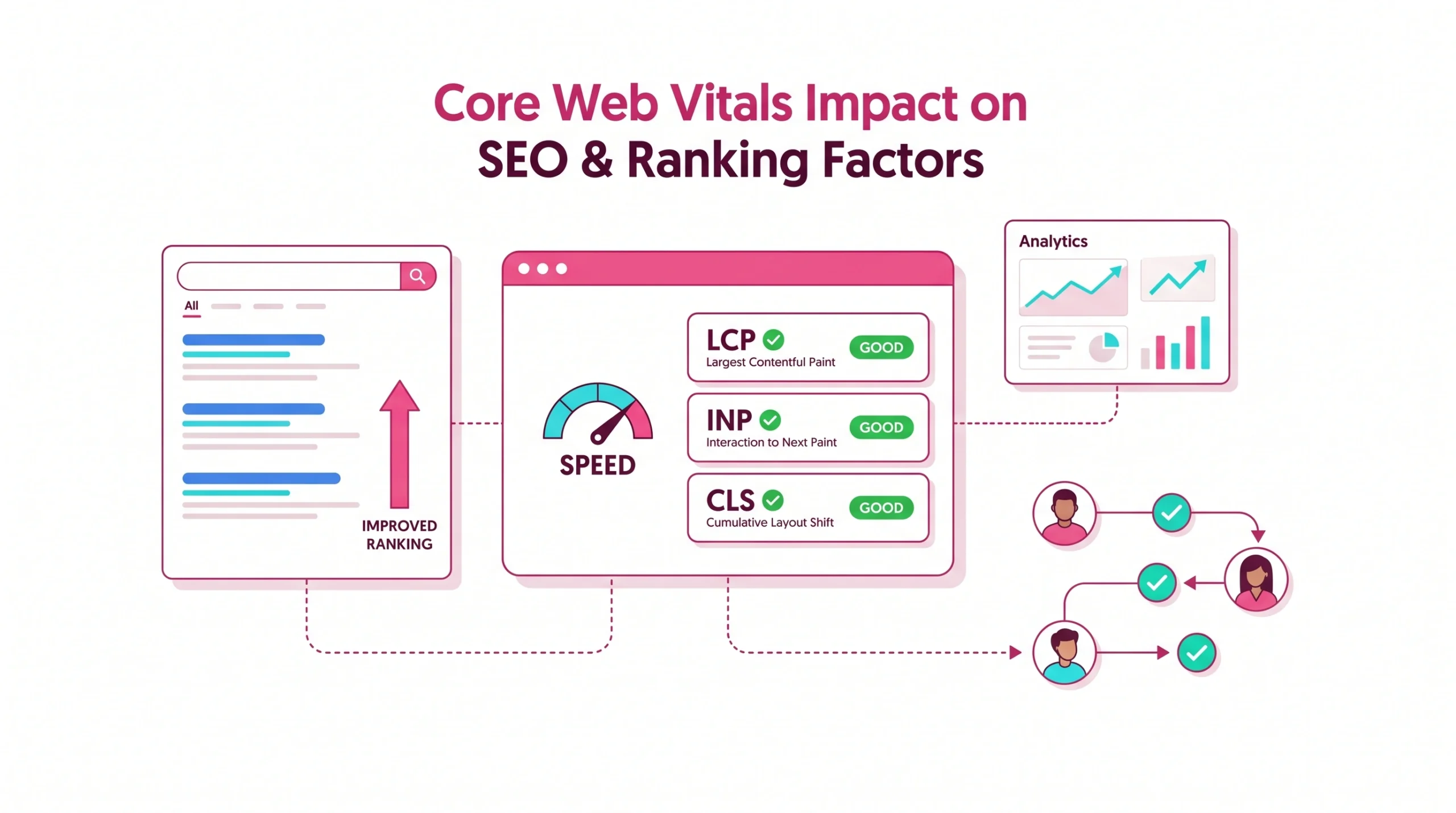
Meta description: Learn how Core Web Vitals on SEO affect rankings, user trust, conversions, technical SEO priorities, plus practical steps to optimize core web vitals without chasing vanity scores.
Core Web Vitals impact SEO because faster, more stable pages help users finish tasks with less friction. For businesses, marketers, SEO professionals, developers, plus agency teams, this guide explains how Google’s Core Web Vitals fit into page experience ranking, when they influence SEO outcomes, how to measure them, plus how to improve your Core Web Vitals with practical workflows.
Key takeaway: Core Web Vitals are a ranking factor, yet relevance, helpful content, links, intent match, brand trust, plus crawlable architecture still matter more. Perfect Core Web Vitals cannot compensate for weak content, but poor web performance can reduce gains from otherwise strong SEO work.
How Google ranks based on page speed
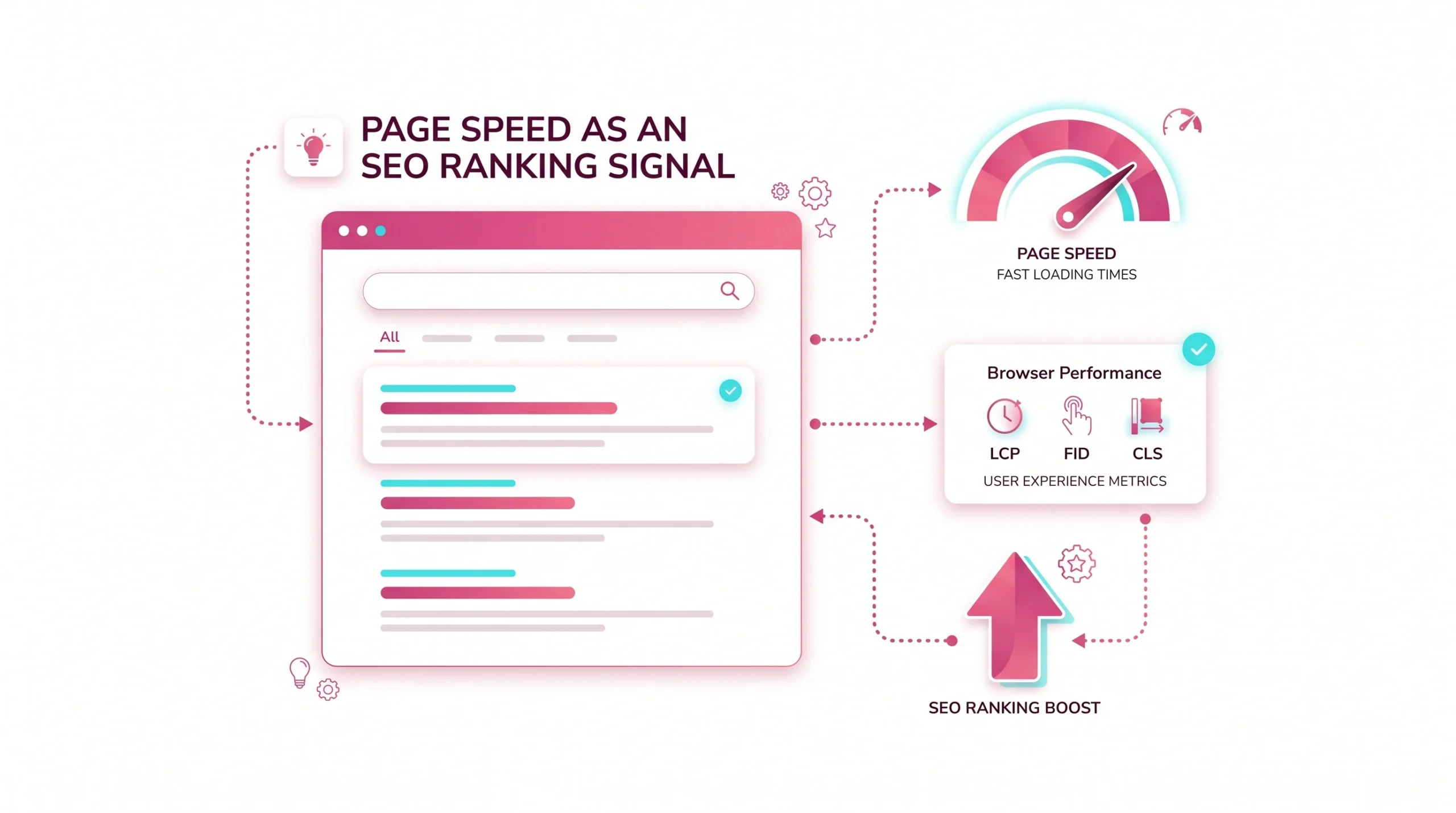
Google does not rank pages by page load alone. Ranking systems evaluate relevance, quality, freshness, location, authority signals, usability, plus real user experience. Page speed matters because slow pages frustrate users, reduce engagement, and may weaken performance in search results when competing pages answer intent just as well.
Search ranking factors in context
Search ranking factors work together. A search engine must decide which page best satisfies intent, then use supporting signals to compare similar results. In this context, core web vitals impact seo as part of page experience ranking rather than as a replacement for relevance or authority.
Page experience signals in Google rankings
Page experience ranking includes signals that help determine whether visitors can access, read, interact with, plus trust a page. Google’s Core Web Vitals focus on loading, responsiveness, and visual stability. Secure browsing, mobile usability, intrusive interstitials, and readable layouts also contribute to perceived quality.
When Core Web Vitals matter most for SEO
Core Web Vitals matter most when several pages offer comparable content quality. For example, two B2B landing pages may target similar intent, but the faster page with stable layout can earn better engagement. In such scenarios, Core Web Vitals may help one result feel more reliable.
Core Web Vitals impact compared with content relevance
Content relevance remains central. A page with excellent core web vitals scores but thin answers is unlikely to outrank a deeply useful page. However, if your content already meets search intent, improving page load, interaction speed, and cls score can strengthen SEO outcomes.
SEO visibility gains from faster page experience
Faster page experience may enhance visibility indirectly through lower abandonment, stronger engagement, better conversion paths, and cleaner crawl access. For marketers, this means Core Web Vitals directly support seo goals by making high-value pages easier to use.
What Core Web Vitals are and why they matter for SEO
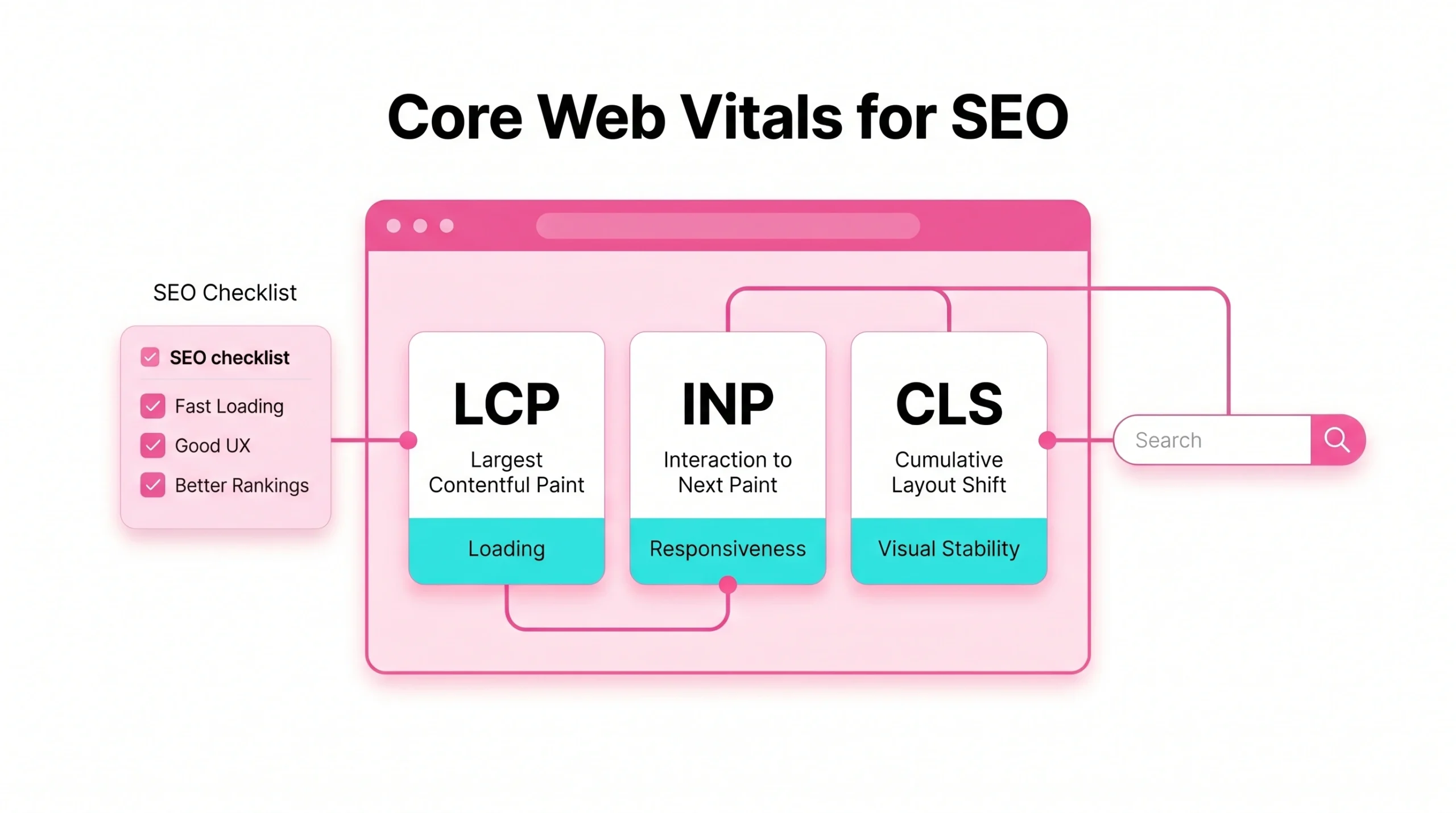
Core Web Vitals are a set of performance metrics designed to reflect real user experience. They are useful for technical SEO because they turn speed, stability, plus responsiveness into measurable targets that business teams can track over time.
Core Web Vitals definition
Web Vitals are a set of user-centered metrics for evaluating experience quality. The three core web vitals metrics focus on how fast key content appears, how quickly pages respond after interaction, plus how stable visible elements remain during loading.
Current Core Web Vitals metrics: LCP, INP, CLS
| Metric | What it measures | Good target | Why marketers should care |
| LCP | Main content loading | 2.5 seconds or faster | Slow hero content can hurt lead generation |
| INP | Interaction responsiveness | 200 milliseconds or less | Delayed buttons reduce form starts |
| CLS | Visual stability | 0.1 or lower | Layout jumps damage trust |
Good Core Web Vitals scores
Good scores mean most visitors receive a smooth experience. To meet Core Web Vitals, a page should load its largest content element within 2.5 seconds, respond quickly to interactions, and maintain a low cls score across mobile plus desktop.
Performance thresholds for each metric
Thresholds make performance decisions easier. LCP should be 2.5 seconds or better, INP should stay at 200 milliseconds or less, and CLS should remain 0.1 or lower. First input delay was previously used for interactivity, but INP now reflects responsiveness more broadly.
How Core Web Vitals affect SEO rankings
Core Web Vitals on SEO should be viewed as a quality amplifier. They rarely rescue poor strategy, but they can protect rankings, conversions, plus brand perception when traffic arrives from organic search.
How Core Web Vitals impact Google rankings
Google’s Core Web Vitals are used by ranking systems, but they do not guarantee top rankings. The impact of Core Web Vitals depends on query competitiveness, content quality, technical health, plus how users experience your page compared with alternatives.
Why poor scores can limit organic growth
Poor scores often reveal deeper issues: bloated scripts, unstable design, slow hosting, oversized images, or unoptimized web fonts. These issues may reduce conversions before ranking losses appear. Businesses that track Core Web Vitals can detect friction before traffic plateaus.
Ranking scenarios where Core Web Vitals become decisive
Core Web Vitals may become decisive for near-equal pages. A local service page, ecommerce category, or SaaS comparison page can lose momentum if users return to search results after slow page load or unexpected layout shifts.
Field data: Core Web Vitals
Field data shows how real users experience your site across devices, locations, networks, and browsers. For SEO experts, field data is often more useful than synthetic tests because it reflects actual audience conditions.
Which users are included in Core Web Vitals field data
Field data usually comes from eligible Chrome users whose visits are aggregated for privacy. Search Console’s Core Web Vitals report groups similar URLs, helping you see patterns across templates rather than judging every URL in isolation.
Real user sessions and Chrome UX Report data
Real user monitoring captures performance during actual visits. Chrome UX Report data shows aggregated Core Web Vitals scores from real browsing conditions, which makes it valuable for evaluating user experience at scale.
User location, device, and connection impact
A page can pass in one market yet fail in another. Mobile visitors on slower networks may see longer page load times. International campaigns should check your Core Web Vitals across priority regions, not only from office broadband.
Browser and device requirements
Field data depends on browser support, device type, and available reporting samples. Low-traffic pages may not have enough data, so SEO professionals often analyze page groups, templates, or origin-level data for stronger signals.
28-day sliding window caveat
Core Web Vitals field data uses an aggregated period, so improvements may not show immediately. A fix launched today can take weeks to appear in reports. This delay matters when stakeholders expect instant proof after technical SEO changes.
Popularity and discoverability requirements
Not every page receives enough traffic to produce its own report. In that case, use template-level analysis, lab testing, log data, plus real user monitoring to judge whether changes help users and align with seo goals.
Lab data: Lighthouse
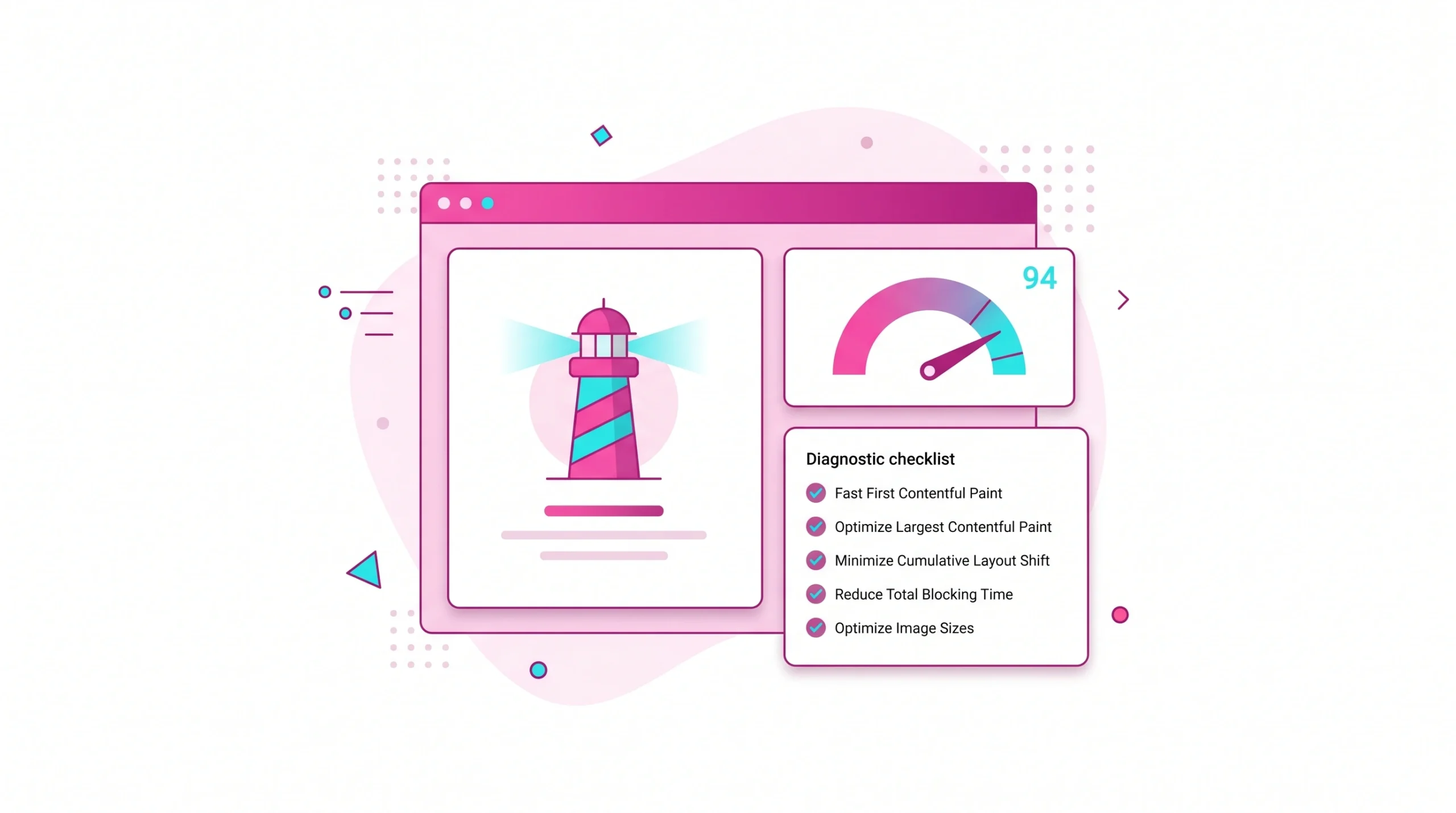
Lab data helps teams test pages under controlled conditions. It is useful for debugging and prioritization, yet it should not be treated as a perfect mirror of real user experience.
Interpreting Lighthouse scores
Lighthouse scores summarize simulated performance, accessibility, best practices, and SEO checks. A high score suggests efficient delivery, but it does not prove that every visitor gets excellent Core Web Vitals scores in real conditions.
Are Lighthouse scores Google ranking factor
Lighthouse scores are not the same as a ranking signal. They are diagnostic outputs. Core Web Vitals are a ranking factor through page experience systems, while Lighthouse helps you find possible causes behind Core Web Vitals issues.
Lighthouse performance, accessibility, best practices, and SEO audits
Lighthouse is valuable because it connects technical issues with practical tasks. It can flag render-blocking resources, unused JavaScript, image problems, missing metadata, accessibility gaps, and SEO basics that reduce overall page quality.
Lab testing limits for SEO decisions
Lab tests run from fixed devices, networks, and locations. Your actual audience may have older phones, slower connections, or heavier browser extensions. That is why real user monitoring should confirm whether lab improvements reach visitors.
Faster iteration with Lighthouse testing
Lighthouse helps developers iterate quickly before deployment. A good workflow is simple: test a template, fix high-impact blockers, retest, release, then monitor field data to confirm that users received measurable benefits.
How to see site Core Web Vitals
You need multiple views to evaluate website’s Core Web Vitals. One tool might show field data, another might reveal lab bottlenecks, while browser diagnostics can expose JavaScript execution, layout shifts, or web fonts causing delays.
Google Search Console Core Web Vitals report
Google Search Console groups URLs by status, device, and issue type. Console’s Core Web Vitals report helps marketers see whether poor pages affect many URLs, which makes prioritization easier for large sites.
PageSpeed Insights field and lab reports
PageSpeed Insights combines field data with lab diagnostics. It can show whether a URL passes assessment, which metric fails, and which recommendations may improve your Core Web Vitals without guessing.
Chrome DevTools performance diagnostics
Chrome DevTools helps developers inspect the main thread, rendering, layout shifts, network waterfalls, and long tasks. This is where high-level SEO problems become specific engineering tickets.
Web Vitals Chrome Extension
A browser extension can provide quick checks during QA. It is not a substitute for long-term monitoring, but it helps content, design, and development teams catch obvious issues before launch.
Do PageSpeed Insights scores impact SEO
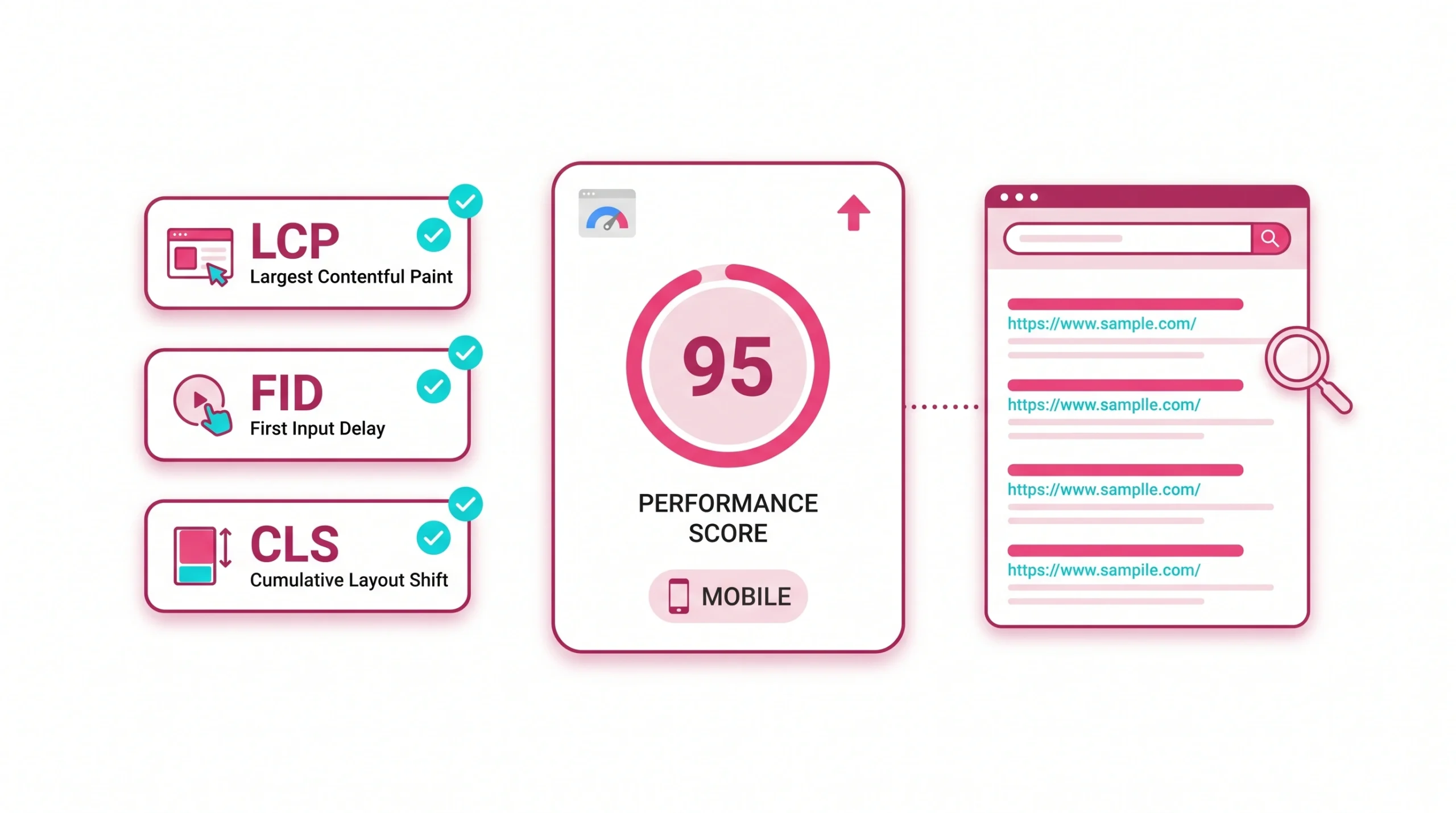
PageSpeed Insights is useful, but its score is not a standalone ranking factor for SEO. Use it to check your Core Web Vitals, not to chase a perfect number that may not reflect actual business outcomes.
PageSpeed Insights versus Core Web Vitals assessment
The PageSpeed score summarizes lab performance, while Core Web Vitals assessment depends on field data when available. A page can score well in lab tests yet fail real visitors if third-party scripts or network conditions vary.
Origin-level and URL-level performance data
URL-level data is best for important landing pages. Origin-level data helps when a page lacks enough visits. For an enterprise site, combining both views can reveal whether templates or individual assets cause problems.
Passing Core Web Vitals assessment
Passing assessment means the page or origin meets thresholds for LCP, INP, and CLS at the required percentile. It is a strong signal that users generally receive stable, responsive, and fast experiences.
What causes poor Core Web Vitals scores
Most poor scores come from delivery problems, front-end bloat, third-party scripts, weak hosting, or unstable design patterns. The table below connects common problems to the metric usually affected.
| Issue | Metric usually affected | Business impact |
| Slow server response | LCP, TTFB | Longer wait before content appears |
| Heavy JavaScript | INP, TBT | Delayed clicks, taps, form actions |
| Image overload | LCP | Slow hero sections, weak first impression |
| Ads or embeds shifting layout | CLS | Lost trust, accidental clicks |
| Web fonts loading late | CLS, LCP | Text shifts, delayed readability |
Slow server response and high TTFB
High TTFB delays everything that follows. If the server responds slowly, page load starts late, LCP suffers, and users may abandon before the main message appears. Better hosting, caching, and CDN strategy often improve this area.
Render-blocking JavaScript and CSS
Render-blocking files delay visible content. Excess JavaScript also increases interaction latency. For technical SEO teams, removing unused scripts can improve your Core Web Vitals while making pages easier to crawl and render.
Unoptimized images and hero elements
Large hero images are common LCP problems. Use modern image formats, sensible dimensions, compression, priority loading for key assets, plus careful design. A page that reaches 2.5 seconds more consistently often feels more trustworthy.
Layout shifts from ads, fonts, and embeds
Unexpected movement harms visual stability. Reserve space for ads, embeds, banners, and dynamic modules. Preload critical web fonts when needed, and use fallback choices that reduce shifts. These fixes can lower cls score quickly.
Heavy third-party scripts
Analytics tags, chat widgets, ad scripts, personalization tools, and A/B testing platforms can slow interactivity. Review each script by business value. If a tool does not support revenue, compliance, or measurement, remove or delay it.
WordPress plugins, themes, and hosting issues
WordPress sites often struggle because plugins load assets globally. A contact form, slider, or builder script may appear on pages where it is not needed. Lean themes plus disciplined plugin control are crucial for SEO.
How to improve Core Web Vitals
To optimize Core Web Vitals, start with pages that drive revenue, leads, or strategic visibility. Then fix the metric that fails most often. This approach keeps technical work connected to marketing outcomes.
Improve LCP by optimizing largest content element
Identify the LCP element first. It is often a hero image, heading block, or large banner. Compress images, preload critical assets, reduce server delay, and simplify above-the-fold design to reach 2.5 seconds more reliably.
Improve INP by reducing main-thread blocking
INP improves when the browser can respond quickly after user input. Break long JavaScript tasks, reduce unused code, delay nonessential scripts, and simplify interactive components. Legacy first input delay checks may still reveal old patterns.
Minimize CLS with stable layouts
CLS improves when space is reserved before content loads. Set image dimensions, avoid inserting banners above existing content, manage font swaps, and test pages with ads or embeds enabled. A stable layout supports trust.
Optimize images, fonts, and critical CSS
Prioritize assets that users see first. Compress images, load fonts carefully, inline or deliver critical CSS efficiently, and defer noncritical design files. These actions support page load speed without sacrificing brand presentation.
Reduce JavaScript execution time
Audit unused code, remove duplicated libraries, split bundles, and delay scripts that do not affect initial tasks. Marketing teams should ask whether every tag contributes to measurement, conversion, or compliance.
Improve server response and caching
Caching reduces repeated work. Use full-page caching where appropriate, object caching for dynamic pages, optimized database queries, plus CDN delivery for global audiences. Server improvements often support both technical SEO and conversion rate goals.
Best practices for each Core Web Vital metric
Each metric needs a different fix. Treat Core Web Vitals as an operational program rather than a one-time cleanup, especially when campaigns, redesigns, apps, and tracking tools change often.
Largest Contentful Paint optimization
For LCP, make main content visible fast. Prioritize the hero asset, remove unnecessary above-the-fold sliders, reduce server delay, and keep first-screen content focused. This is especially important for paid landing pages and organic entry pages.
Interaction to Next Paint optimization
For INP, reduce JavaScript pressure and keep interfaces simple. Forms, menus, filters, and calculators should respond quickly. AI search optimisation also benefits because answer engines favor content that users can access without friction.
Cumulative Layout Shift optimization
For CLS, prevent movement after rendering begins. Reserve dimensions, test cookie banners, control ad slots, and watch late-loading fonts. A low cls score protects users from misclicks and supports a more credible experience.
Time to First Byte and First Contentful Paint support metrics
TTFB and FCP are not part of the three Core Web Vitals, but they help explain LCP problems. If first content appears late, users perceive the whole page as slower, even if later stages load smoothly.
Total Blocking Time and Time to Interactive diagnostics
TBT and TTI are lab metrics that help diagnose interactivity problems. They do not replace INP, yet they show whether scripts block input during page load and where developers should investigate first.
Core Web Vitals for WordPress SEO
WordPress can perform well, but only with discipline. Marketers often add plugins, tracking pixels, popups, and page builder modules faster than teams remove them. That creates hidden performance debt.
How to measure Core Web Vitals for WordPress sites
Measure by template type: homepage, blog posts, service pages, product pages, category pages, and landing pages. This helps you find whether one plugin, theme pattern, or content block harms many URLs.
Common WordPress causes of poor scores
Frequent causes include overloaded themes, too many plugins, uncompressed images, render-blocking CSS, weak hosting, large page builders, and global scripts. Many issues appear after growth because teams add tools without performance governance.
Plugin cleanup and script control
Create a plugin inventory with owner, purpose, affected pages, and revenue value. Disable unused plugins, load assets only where needed, and replace heavy features with lighter alternatives when possible.
- Remove inactive plugins.
- Audit scripts loaded on every page.
- Replace heavy sliders or builders where practical.
- Compress new uploads before publishing.
- Test forms, popups, and consent tools on mobile.
Theme optimization for speed and stability
A lean theme reduces work for every page. Choose themes that avoid layout shifts, support responsive images, use efficient CSS, and allow selective script loading. Theme choices can influence SEO more than many teams expect.
How to estimate SEO impact from Core Web Vitals improvements
SEO impact estimation should combine ranking opportunity, traffic value, conversion friction, and implementation cost. This helps decision-makers compare performance work with content, link acquisition, or paid media investments.
Simple top-down traffic estimate
Start with pages that already receive impressions. Estimate current clicks, conversion rate, average revenue, and likely improvement from better user experience. Data suggests performance gains are most valuable when traffic already exists.
Keyword-based ranking opportunity analysis
Review priority keywords where pages sit near page one. If content quality is strong but page experience is weak, improvements may enhance visibility. This method connects Core Web Vitals impact SEO work to commercial intent.
Real-world A/B testing
A/B testing can isolate business outcomes when traffic is sufficient. Test lighter templates, faster forms, or reduced scripts. Measure rankings cautiously, but track leads, scroll depth, engagement, and conversions with more confidence.
Core Web Vitals impact on user experience and conversions
Performance is not only an SEO issue. Faster pages help buyers compare options, read proof, trust claims, and complete forms. For business owners, the impact of Core Web Vitals often appears first in conversion data.
Faster load times and lower bounce rates
When page load is slow, users may leave before seeing your offer. Fast pages reduce early exits and improve first impressions. For service businesses, that can mean more visitors reaching proof, pricing, or contact sections.
Interaction speed and user satisfaction
A responsive interface feels professional. If menus, filters, calculators, and forms react quickly, users feel in control. This matters for SaaS pages, ecommerce filters, booking flows, and lead generation funnels.
Visual stability and trust
Unexpected movement feels careless. If a visitor tries to click a quote button but an image shifts, trust declines. Visual stability protects both usability and credibility, especially on pages asking for contact details or payment.
Conversion rate gains from performance improvements
Conversion gains vary by site, but faster experiences often reduce friction. In specific scenarios, improving LCP, INP, or CLS can help more users complete high-value actions such as demos, calls, downloads, or purchases.
Business reasons to prioritize Core Web Vitals
Google states that Core Web Vitals are used by ranking systems, while also noting that strong reports do not guarantee top positions. You can review this guidance through Google Search Central page experience documentation. For marketers, the real advantage is alignment: better pages serve users and support search quality.
Monitor and improve Core Web Vitals continuously
A Core Web Vitals program should operate like analytics governance. Each release, plugin, campaign, or content redesign can change performance. Ongoing monitoring prevents slow decline after one successful optimization sprint.
Ongoing field data monitoring
Use field data to see whether users benefit from improvements. Combine Search Console, Chrome UX Report, analytics events, and real user monitoring. This gives leadership a clearer view than one-off audits.
Alerts for LCP, INP, and CLS regressions
Set alerts for changes that affect revenue pages. Regressions often come from new scripts, tracking tags, consent tools, ads, or visual modules. Alerts help teams fix issues before they affect many visitors.
Release testing before performance drops
Add performance checks before major releases. A simple checklist can protect organic traffic:
- Test key templates on mobile.
- Compare LCP, INP, and CLS against previous versions.
- Review new scripts added by marketing tools.
- Confirm images have correct dimensions.
- Check forms, menus, filters, and checkout actions.
- Monitor field data after launch.
Useful official resources include:
- PageSpeed Insights for field and lab checks on individual URLs.
- Google Search Console for site-level Core Web Vitals reporting.
- Web Vitals guidance on web.dev for metric definitions and thresholds.
FAQs about Core Web Vitals and SEO
These answers are written for featured snippets, AI summaries, and quick decision-making. They avoid hype and focus on what businesses can act on.
Core Web Vitals are three user experience metrics that measure loading speed, responsiveness, and visual stability. They include Largest Contentful Paint, Interaction to Next Paint, and Cumulative Layout Shift. Together, they help businesses evaluate whether visitors can quickly see content, interact with pages, and avoid disruptive layout movement.
Core Web Vitals affect SEO through page experience ranking and user satisfaction. They can influence SEO when competing pages have similar relevance and quality, but they are not stronger than helpful content, authority, or search intent match. Strong performance helps users stay, engage, and convert.
Yes, Core Web Vitals are a ranking factor for SEO, but they are one part of broader ranking systems. They should be treated as quality signals that support search performance rather than as a shortcut to guaranteed rankings.
A good Core Web Vitals result means LCP occurs within 2.5 seconds, INP is 200 milliseconds or less, and CLS is 0.1 or lower. These thresholds indicate that most users receive a fast, responsive, and visually stable experience.
Improving Core Web Vitals can benefit SEO by strengthening page experience, reducing friction, supporting engagement, and helping strong content compete more effectively. The benefits are usually greatest on pages with existing impressions, commercial intent, and conversion opportunities.
You can find site Core Web Vitals data in Google Search Console, PageSpeed Insights, Chrome UX Report, Lighthouse, browser diagnostics, and real user monitoring platforms. Use several sources because each one shows a different view of performance.
Tools that help measure Core Web Vitals include Google Search Console, PageSpeed Insights, Lighthouse, Chrome DevTools, browser extensions, and real user monitoring platforms. Search Console shows grouped field data, while lab tools help diagnose specific technical causes.
Visual stability affects Core Web Vitals through CLS, which measures unexpected layout movement. A stable page prevents accidental clicks, supports trust, improves readability, and creates a smoother experience for users arriving from organic search results.