
Understanding Why a Knowledge Panel is a Powerful Asset
When someone runs a search query for your brand, a knowledge panel may appear on the right side of the search results page — an information box that summarises who you are, what you do, and why you matter. This feature is not just cosmetic. It directly shapes how customers, partners, and journalists perceive your authority at first glance.
Benefits of Earning a Knowledge Panel for Your Brand
A branded or personal knowledge panel delivers several measurable advantages for any business or public figure:
- It occupies prime real estate on the search results page before a user even clicks a link
- It pulls structured information directly from authoritative, third-party sources
- It increases click-through rates by establishing immediate credibility
- It reduces the risk of false or outdated information defining your brand
- It acts as a trust signal to both users and other platforms indexing your entity
When Google considers an entity credible enough to feature, it reflects recognition built across the wider web — not just your own website.
Difference Between Knowledge Graph Presence and Local Packs
Many marketers confuse the knowledge panel with local packs. A local knowledge panel appears for businesses tied to a physical location, typically triggered through a verified Google Business Profile. The broader knowledge graph presence, however, applies to brands, individuals, and organisations that have achieved web-wide notability.
A local pack lists multiple competing businesses side by side in a map format. A knowledge panel is reserved for a single entity and signals that Google recognises it as a clearly defined, distinct subject within its knowledge graph database.
Role of Entities in Modern Search Visibility
Google now interprets the web through entities — named, identifiable things such as people, companies, and places. The more clearly you define your entity across trusted sources, the more likely Google is to create a panel around it. Entities with knowledge panels benefit from richer indexing and often perform more consistently across a wide range of search queries.
Step 1: Establish Your Online Presence and Entity Home
Building a strong entity foundation is the first practical step toward triggering a knowledge panel. Google pulls data from multiple sources, so your online footprint needs to be coherent before a panel can form around it.
Optimizing the Official Website for Entity Recognition
Your website is the anchor for your entity. To give Google clear and reliable information:
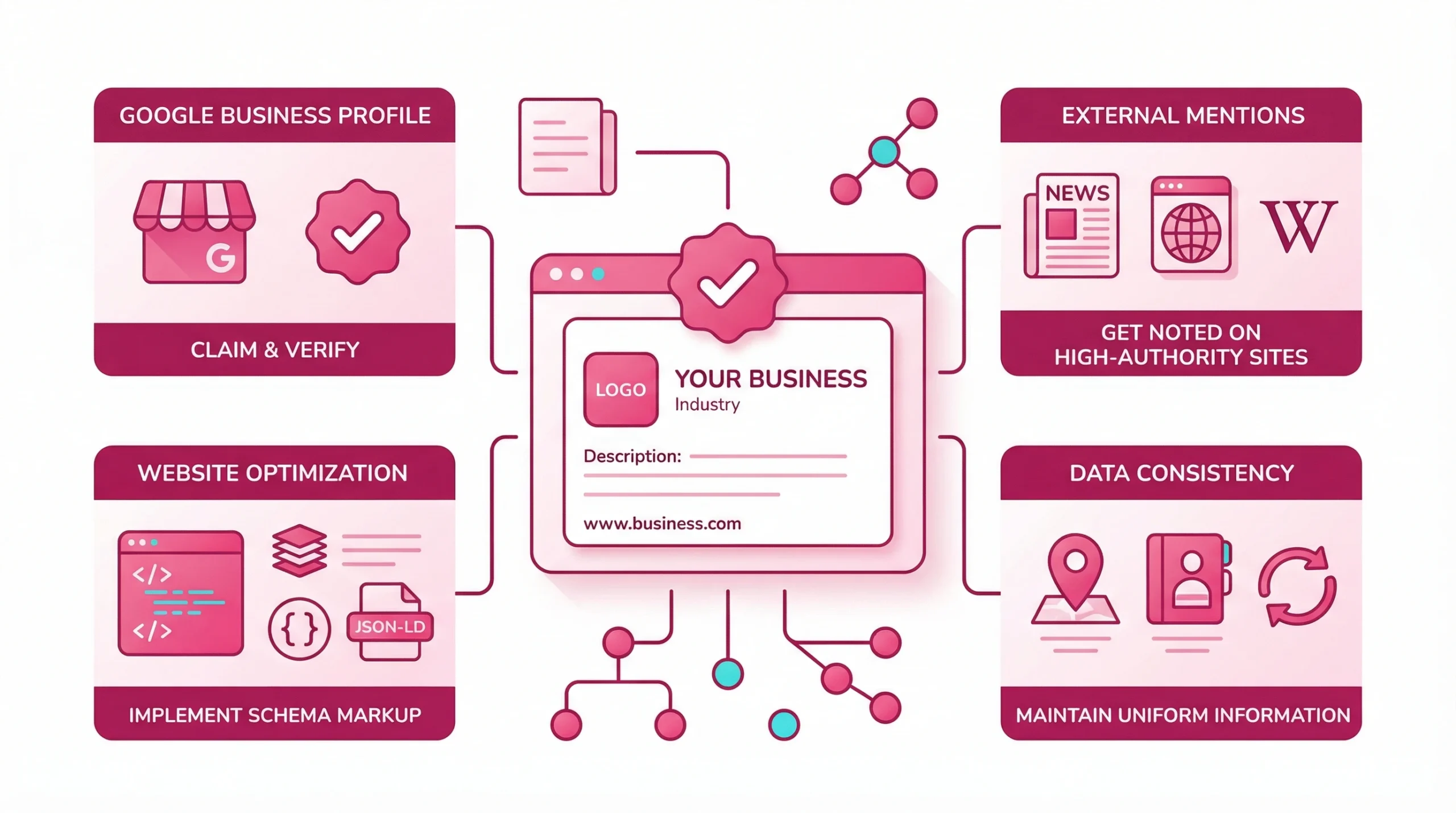
- Add an About page with precise, factual descriptions of your brand
- Link to your verified social media profiles from your footer
- Include contact details that match your other listings exactly
- Use your official name consistently across all pages and metadata
A well-structured site helps Google understand what your brand represents and acts as the primary entity home in its index.
Importance of a Central Google Account for Management
To claim and manage your knowledge panel later, you need a Google account publicly associated with the entity. If you are managing a business, set up a Google Business Profile and keep it updated. This profile acts as a direct data feed into the knowledge graph and strengthens the details available for your panel. Without a verified Google account, managing your knowledge panel after it appears becomes significantly harder.
Ensuring Information Accuracy Across the Web
Inconsistencies confuse automated systems. Audit your existing listings and correct any differences in the following areas:
| Data Point | Common Issue | Fix |
| Business name | Abbreviations or variations | Standardise across all platforms |
| Address | “St” vs “Street” discrepancies | Match exactly to your registered address |
| Phone number | Missing country code or formatting | Use one consistent format everywhere |
| Website URL | Trailing slash or HTTP vs HTTPS | Redirect and standardise to one version |
| Industry category | Vague or mismatched labels | Align with the most specific accurate option |
Consistency across directories is a foundational signal to Google that your entity is stable and credible.
Step 2: Implement Structured Data and Schema Markup
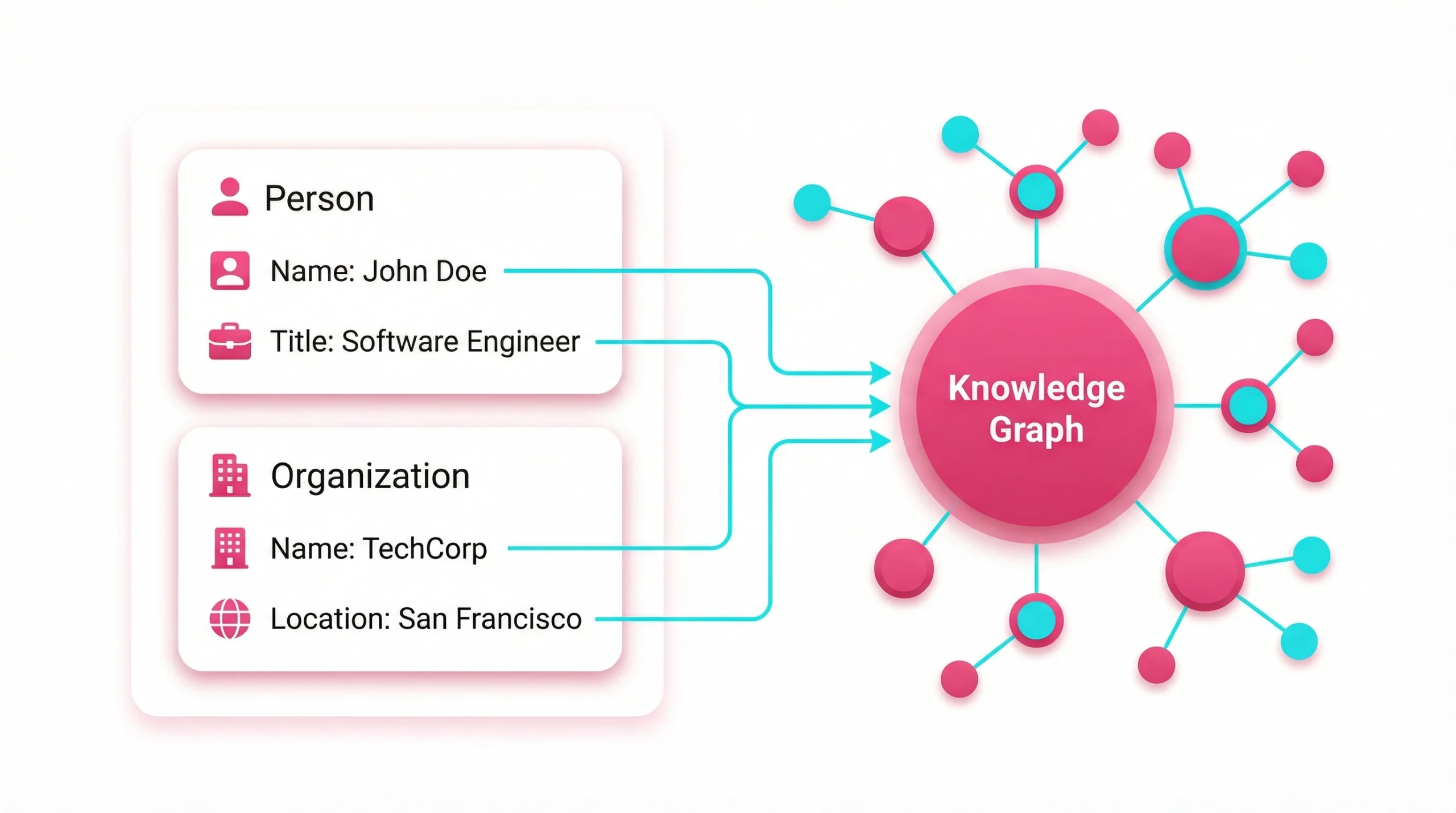
Structured data gives Google a machine-readable description of your entity. Without it, the search engine must infer your details from unstructured text — a far less reliable process that can lead to inaccurate panels or no panel at all.
Using JSON-LD for Person or Organization Entities
JSON-LD is Google’s preferred format for structured data implementation. For a business, the Organization schema lets you define your name, logo, contact details, and social profiles. For a professional, the Person schema captures name, job title, affiliation, and relevant credentials. Both schema types help Google build a more complete picture and increase the probability of triggering a knowledge panel.
Defining Relationships to Help Google Create a Knowledge Panel
Beyond basic details, schema markup can define relationships between entities. Linking your organisation’s profile to its founders, subsidiaries, or industry associations adds contextual depth. These relationships feed Google’s knowledge graph by connecting your entity to others it already understands, making your brand far easier to classify and represent.
Validating Code via Search Console and Schema Testing Tools
After implementing structured data, use Google Search Console alongside the Rich Results Test to confirm there are no errors or missing fields. Warnings can reduce the effectiveness of your markup considerably. Regular audits through Google Search Console also reveal how the search engine is interpreting your broader site structure, not just your schema.
Step 3: Create Wikipedia and Wikidata Entries
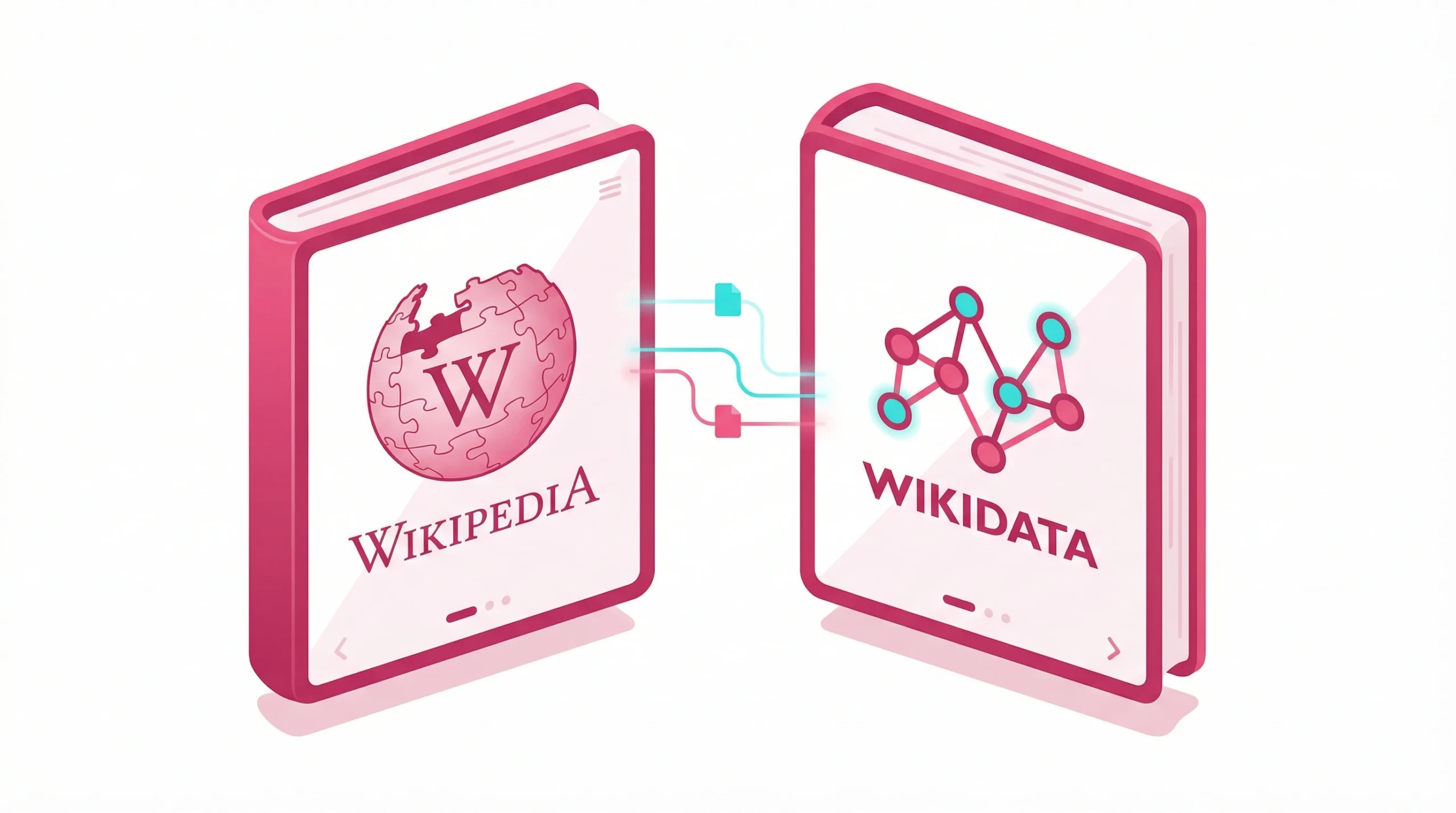
Wikipedia and Wikidata are among the most influential sources that feed Google’s knowledge graph. Presence on either platform significantly raises your chances of securing a panel.
Eligibility and Notability Requirements for Wikipedia
Wikipedia enforces strict notability standards. A subject must have received substantial coverage in reliable, independent sources — meaning verified press features, industry reports, or broadcast appearances, not press releases or sponsored articles. Attempting to create a page for an entity that does not yet meet these criteria often results in deletion and can harm long-term credibility.
Key notability requirements for businesses typically include:
- Coverage in national or major regional publications
- Recognition in verifiable industry awards or rankings
- Documented history of significant commercial or cultural impact
Step-by-Step Guide to Create a Wikidata Page
Even when Wikipedia is not yet achievable, a Wikidata entry is accessible to most established entities and directly powers Google’s knowledge graph database:
- Create a free account at Wikidata.org
- Select “Create a new item” from your user menu
- Add a label (your entity name) and a brief description
- Insert core statements: instance of, official website, country, and relevant external identifiers
- Link to any existing Wikipedia articles where available
- Add source references to all statements for credibility
A well-formed Wikidata entry can accelerate panel generation considerably, often within weeks of submission.
Alternatives to Wikipedia for Establishing Authority
If Wikipedia remains out of reach, several respected platforms provide strong entity signals:
- Crunchbase — for companies, startups, and investors
- LinkedIn company and personal profiles
- Industry-specific directories and professional bodies
- Bloomberg and Reuters business profiles
- Chamber of commerce and government business registers
Each of these contributes structured, third-party data that supports Google’s understanding of your entity.
Step 4: Build Authoritative Profiles to Get a Knowledge Panel
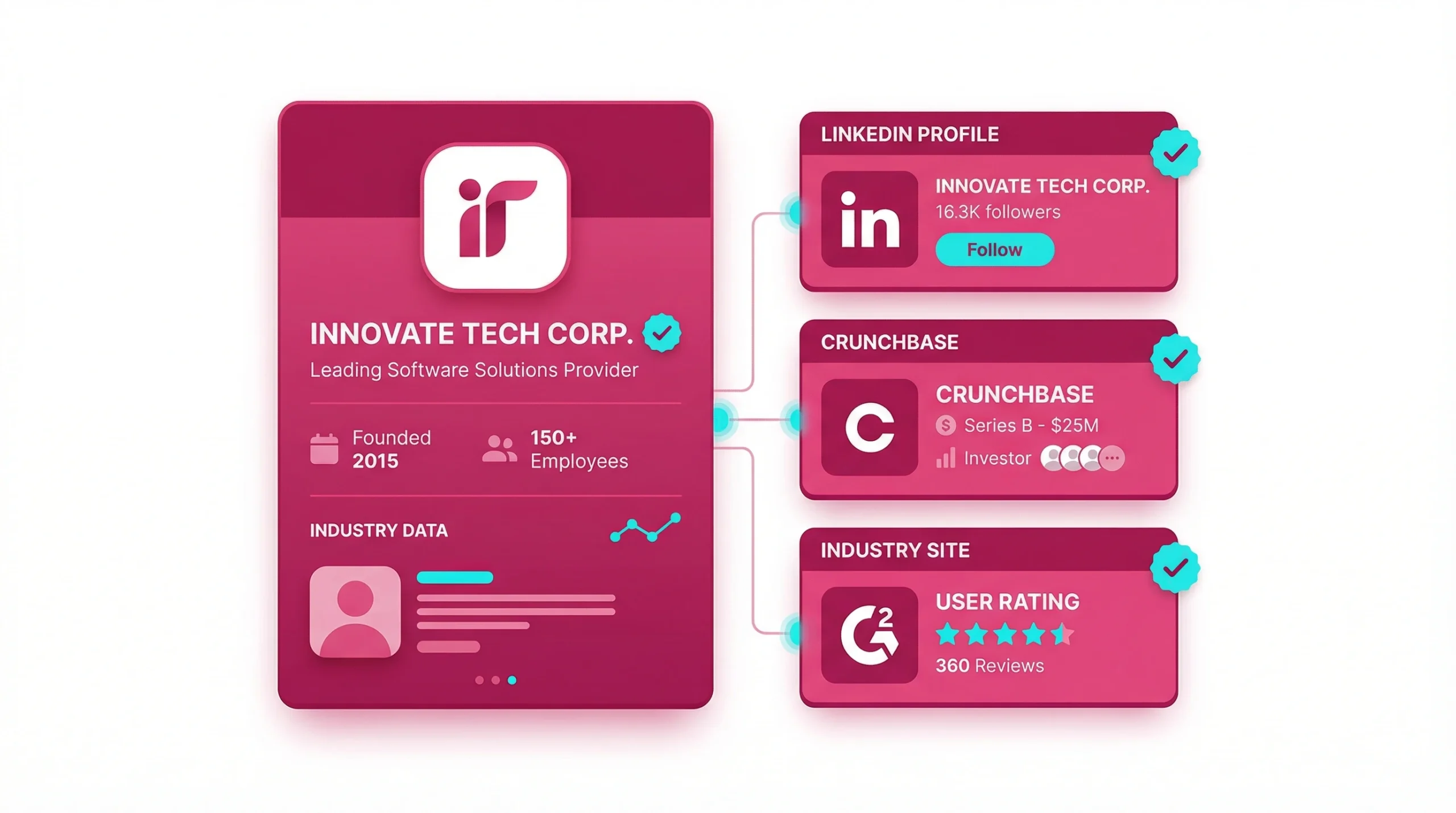
Authority is built through breadth and consistency. The more high-quality platforms that mention and describe your entity in accurate terms, the stronger your presence becomes within the knowledge graph.
Leveraging Secondary Sources and Parasite Platforms
High-domain-authority platforms such as Medium, SlideShare, and industry wikis can provide additional entity signals. Publishing detailed, factual content on these platforms — and linking back to your official site — creates a web of interconnected references.
Optimizing Social Media and Professional Profiles
Complete and verified social profiles act as entity anchors within the knowledge graph. Platforms Google typically recognises include:
- LinkedIn — company or personal page with full profile completion
- X (formerly Twitter) — verified account linked to your website
- Facebook — active business page with consistent branding
- YouTube — branded channel with accurate descriptions
- Instagram — business account linked to your official domain
Ensure each profile uses your entity name exactly as it appears on your website and other listings.
Specific Strategies for Musicians and Digital Creators
For musicians, claiming and updating profiles on AllMusic, Discogs, and MusicBrainz carries significant weight in Google’s classification systems. For digital creators and researchers, platforms such as IMDb or Google Scholar provide highly trusted signals. According to Google Search Central’s structured data documentation, well-linked, factual data across authoritative sources accelerates entity recognition more reliably than any single optimisation tactic.
Step 5: Ensure Consistency and Interlinking
Having profiles across multiple platforms is not enough on its own. Those profiles need to reference each other, forming a network that confirms the identity of your entity to automated systems.
Linking Profiles to Strengthen Knowledge Graph Presence
Every profile you own should link to your official website, and your site should link back to your primary profiles. This interlinking structure allows Google to traverse connections and confirm that all these references point to the same entity — an important step in building what Google considers a coherent digital identity.
Maintaining Identical NAP Data Across Directories
Name, address, and phone number — collectively known as NAP data — must be identical across every listing. Even minor differences can fragment Google’s understanding. Tools like Semrush’s Listing Management or Yext help audit and correct inconsistencies across hundreds of directories simultaneously, saving considerable time.
Auditing Online Mentions to Boost Credibility
Use Google Alerts or a dedicated brand monitoring tool to track new mentions of your entity. When your brand appears in notable publications, confirm that those articles describe you accurately. Consistent, factual third-party mentions send strong credibility signals and increase the probability that a knowledge panel appears in relevant search results.
Step 6: Boost Authority with Press and Coverage
Earned media remains one of the strongest off-site signals available. When high-authority publishers describe your entity in factual, consistent terms, those descriptions become candidates for Google to extract and display within your panel.
Gaining Mentions on High-Authority News Sites
Target outlets with strong domain authority — regional newspapers, national trade publications, and respected industry journals. A single well-sourced article in a credible outlet carries more weight than dozens of secondary mentions. Digital PR campaigns built around original data, expert commentary, or documented milestones tend to attract this kind of coverage.
Influence of Third-Party Reviews on Entity Trust
Review platforms such as Trustpilot, G2, and Google Reviews contribute to the broader entity profile. A study published in Search Engine Journal on knowledge graph factors found that entities with consistent, positive third-party coverage are more frequently represented in the knowledge graph. This does not guarantee a knowledge panel, but it meaningfully improves your overall entity trust profile over time.
Utilizing Digital PR for Brand Recognition
Digital PR extends well beyond media coverage alone. Podcast appearances, speaking slots at industry conferences, and expert contributions to established publications all generate authoritative mentions. Each of these signals to Google that your entity is recognised and respected within its field — an important component in how Google decides which entities merit a knowledge panel.
Step 7: How to Claim and Manage Your Data
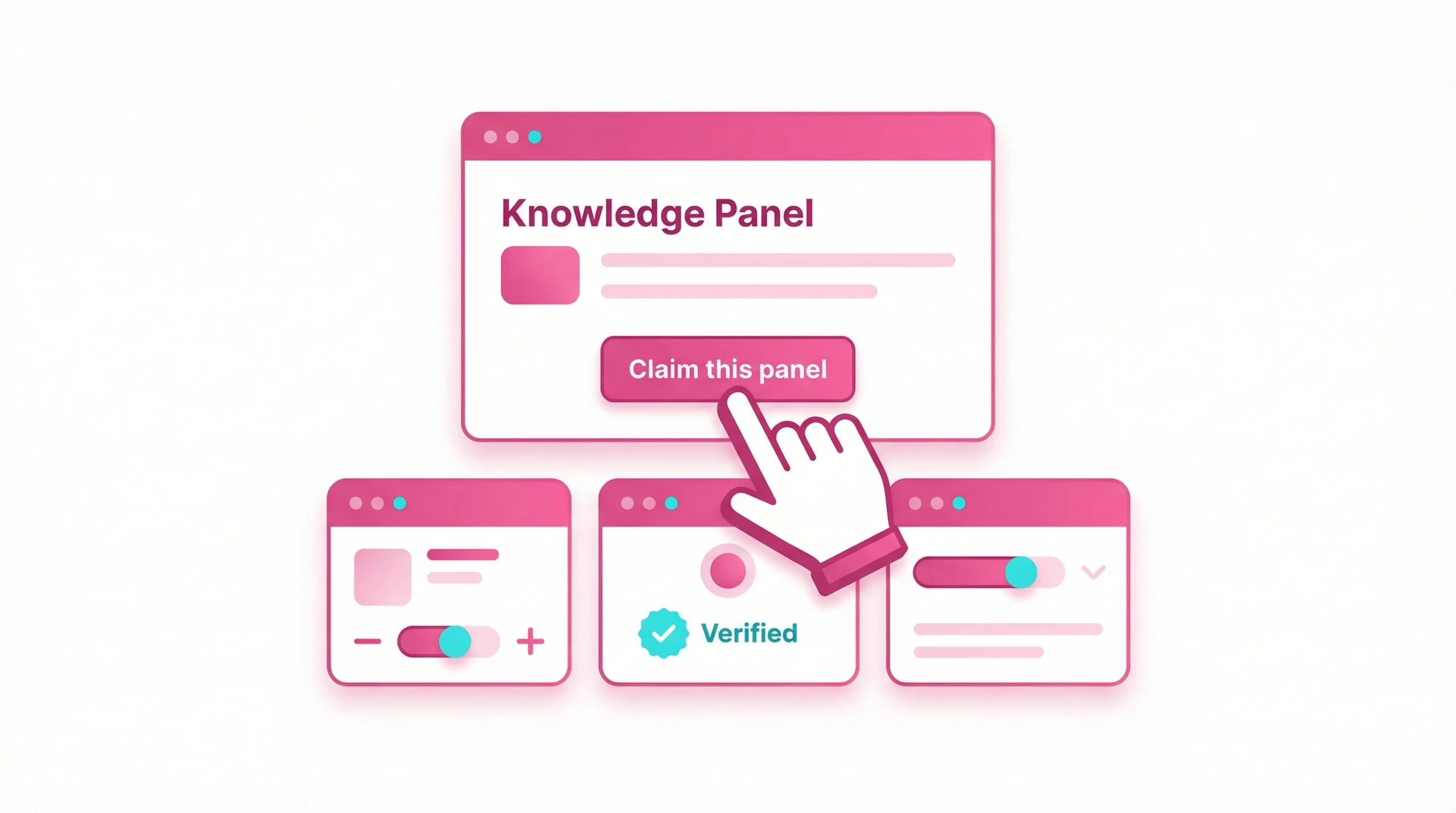
Once a knowledge panel appears in search results, you can take direct control of how your information is presented. Claiming your knowledge panel is a straightforward process, but it requires a verified identity linked to the entity.
Process for Verifying Ownership of the Panel
To begin claiming your knowledge panel, follow these steps:
- Search for your entity name in Google
- Scroll to the bottom of the panel and select “Claim this knowledge panel”
- Sign in with a verified Google account associated with the entity
- Complete the verification steps Google may ask for, such as confirming a linked website or social profile
- Submit your claim and wait for Google to review it before access is granted
Once verified, you gain the ability to suggest edits and flag any incorrect information displayed.
How to Suggest Edits to Your Knowledge Panel Information
After verification, you can propose changes directly in your knowledge panel by selecting the edit option. Google will review all suggestions before publishing them. Changes to factual fields — such as founding date, entity description, or official category — are checked against existing sources. If a proposed change conflicts with established references, Google may reject the edit or request additional supporting evidence.
Requesting Necessary Edits to Your Knowledge Panel Profiles
For more significant corrections, such as changing the featured image or removing outdated details, use the feedback option at the bottom of the panel. Providing supporting source links alongside your request significantly speeds up the review process. According to Google’s official Knowledge Panel help documentation, changes backed by reliable, independent references are approved far more consistently than unsupported requests.
FAQ
There is no fixed timeline for when a panel will appear. For some entities, one can appear within weeks of establishing strong structured data and a Wikidata entry. For others, it can take several months of consistent profile building, press coverage, and citation growth before Google determines that the entity meets the threshold for display. Managing expectations is important — this is an ongoing process, not a one-time action, and results depend heavily on how much authoritative third-party data already exists about the entity.
No, a Wikipedia page is not required to acquire a knowledge panel. While it significantly strengthens your entity profile, Google also draws from Wikidata, Crunchbase, official websites with properly implemented schema markup, and a wide range of authoritative third-party sources. Many businesses and professionals have successfully earned a panel without any Wikipedia presence at all, particularly when their Wikidata entry and structured data are well-maintained.
Knowledge panels are automatically generated by Google at no cost to the entity. There is no paid route to acquiring one, and no amount of direct spend with Google will guarantee a panel. The real investment lies in time, content quality, and digital PR efforts. Be cautious of any third-party service claiming to guarantee a knowledge panel for a fee — no external provider can override Google’s automated generation systems or bypass its notability requirements.
A personal knowledge panel cannot be created directly — it is automatically generated when Google considers an individual entity notable enough to warrant one. However, individuals can take deliberate steps to build the necessary signals: establishing a personal website with proper schema markup, creating a Wikidata profile, building a verified presence on relevant social and professional platforms, and earning coverage in credible publications. All of these actions meaningfully increase the likelihood of a panel appearing over time.
Panels can be removed when Google determines that the available information is no longer reliable, consistent, or notable enough to display with confidence. Common causes include a significant drop in authoritative citations, major inconsistencies in entity data across directories, removal of key supporting sources such as a Wikipedia page, or a shift in how Google classifies your entity. Regular audits of your profiles, citations, and structured data are the most effective way to maintain the signals needed to keep your panel active and accurate.
To verify and suggest edits to your knowledge data, search for your entity on Google and locate the “Claim this knowledge panel” option at the bottom of the panel display. After completing Google’s verification steps — which typically involve confirming ownership of an associated website or social media account — you can suggest edits to your knowledge panel directly from the search results page. All suggested changes are reviewed by Google before going live, and submissions supported by reliable source references are processed more quickly and approved more consistently.